Guides
QR Codes for Business: Practical Uses That Actually Get Scans
A QR code on its own does nothing for a business. A QR code that opens the right page, in the right place, and tells you how many people scanned it does. This guide covers the business uses that actually get scans, the one rule that makes t
By Urlzbit · · 10 min read
A QR code on its own does nothing for a business. A QR code that opens the right page, in the right place, and tells you how many people scanned it does. This guide covers the business uses that actually get scans, the one rule that makes them measurable, and the limits worth knowing before you print a thousand of them.
Where businesses put QR codes
A QR code works when the person seeing it has a reason to scan it right there. The best placements put the code where the customer is already holding their phone and already wants the next step.
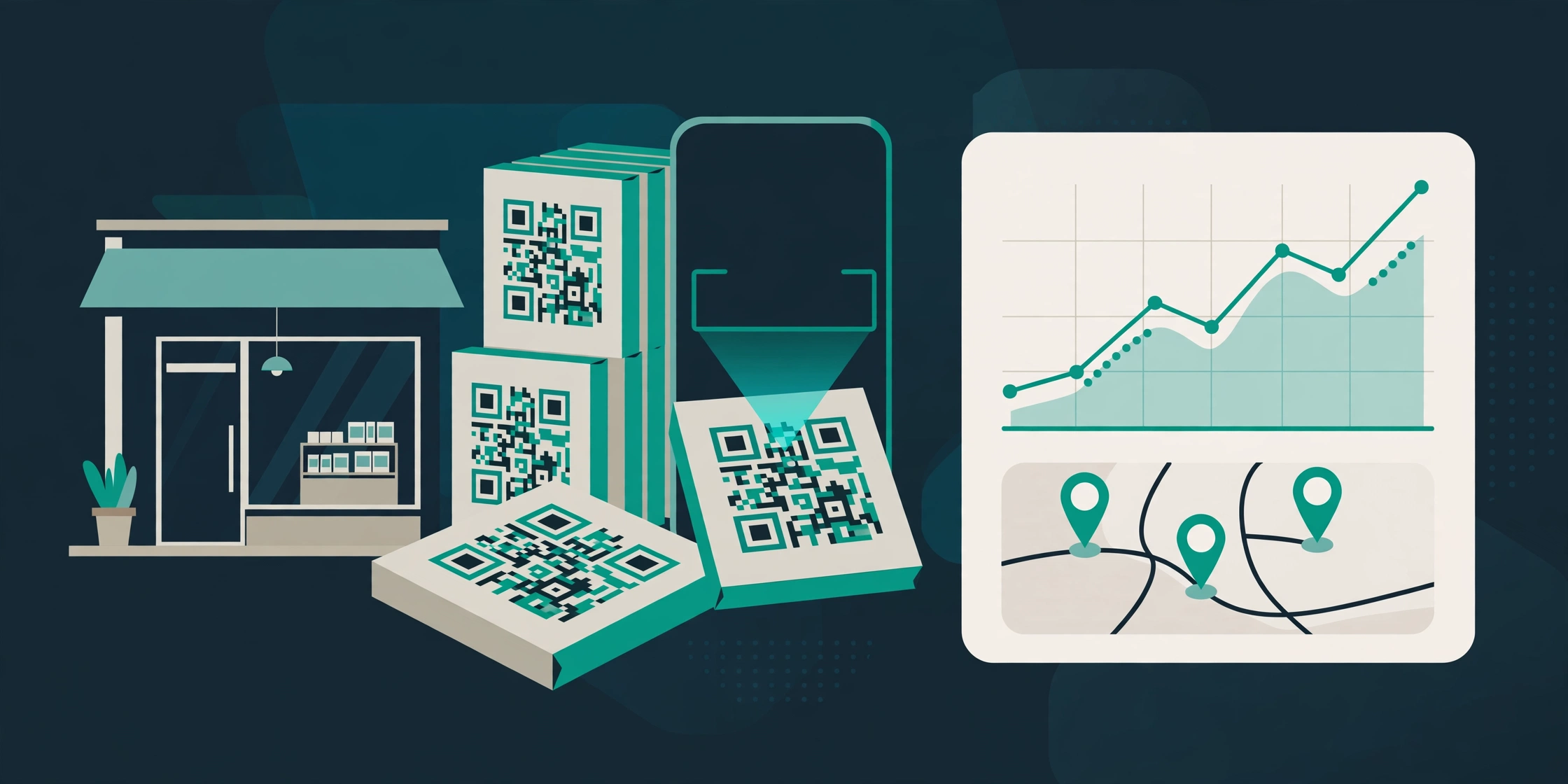
- Product packaging: a code on the box or label that opens setup instructions, a warranty registration page, a recipe, or a reorder page. The customer already has the product in hand, so the scan saves them typing a long address.
- Receipts and invoices: a code that opens a payment page, a feedback form, or a loyalty signup. The transaction is fresh, so the customer still cares.
- Storefronts and windows: a code in the window that opens opening hours, the menu, or the online store when the shop is closed. It turns a closed door into a working shopfront.
- Business cards: a code that opens a contact page, a booking link, or a portfolio. A paper card gets lost; a scanned link lands in the phone.
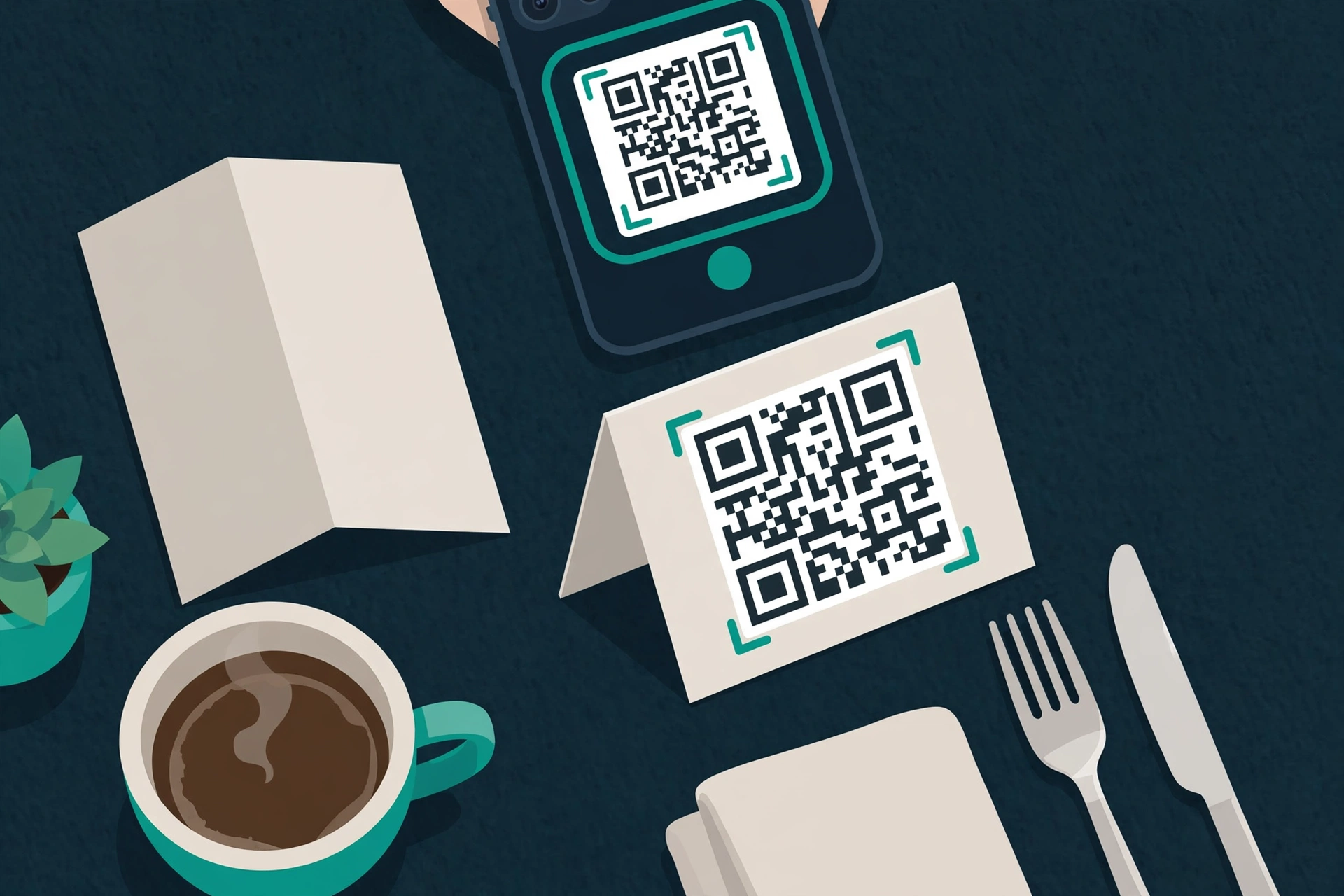
- Tables and counters: a code at the table or till that opens the menu, the feedback form, or a special offer. The customer is waiting anyway, so the scan fills dead time.
- Flyers, posters, and mail: a code that opens the offer or the signup page the flyer is about. Without it, the flyer asks the reader to remember a web address and type it later. Most will not.
- Trade show stands: a code that opens the product page or a brochure download. Visitors collect dozens of leaflets; a scanned link is the one they still have on Monday.
The pattern is the same everywhere: the code removes a step the customer would otherwise skip. If scanning saves no effort, or the destination is not useful in that moment, the code will sit unscanned.
One link per placement: the rule that makes QR codes measurable
The single most common business mistake with QR codes is printing the same code everywhere and then wondering which placement worked. One code on the packaging, the receipt, the window, and the flyer tells you the total number of scans and nothing else.
Give every placement its own short link, and its own QR code for that link. Then each placement reports its own scan count, and you can compare them honestly.
- Packaging code: one link, one QR code, scans tell you how many buyers looked for setup help or reordering.
- Receipt code: a different link, scans tell you how many customers were willing to give feedback or join the loyalty list.
- Window code: another link, scans tell you how much after-hours interest the shopfront generates.
- Flyer code: another link, scans tell you whether the flyer earned its print run.
This is cheap to do. On Urlzbit's free plan you get 100 saved links, and every link gets its own QR code, so a small business can give each placement its own link without paying anything. If a placement gets no scans after a fair trial, move the code, change the destination, or drop that placement — you are deciding from numbers, not from a guess.
Keep the destination honest, too. A code that promises a menu should open the menu, not the homepage. People scan once and decide in seconds whether the business respects their time.
Track scans per link
A QR code scan is a click on the link behind the code. On Urlzbit, each link keeps its own analytics record, so the scans for the packaging code and the scans for the receipt code stay separate.
- Scans per link: how many times each placement's code was scanned. This is the number that tells you which placements earn their space.
- Country and device breakdowns: where scans came from and what kind of device scanned them. A code on a tourist-area flyer will look different from one on a local receipt, and that difference is useful.
- Clicks over time: whether scans cluster around a launch, a weekend, or a promotion, or trickle in steadily.
What the numbers do not tell you matters just as much. A scan count is a count of scans, not a count of people — one person scanning twice counts twice. And a scan tells you nothing about who scanned. If you need to know who a customer is, the destination page has to ask them, for example with a signup form. The QR code itself never identifies anyone.
For the full measurement method, see How to track QR code scans: How to Track QR Code Scans
Change the destination without reprinting
Printed material is the expensive part of a QR code. Reprinting a thousand labels because the offer page moved is the cost a business actually feels. The fix is to put a short link behind the QR code instead of the final address.
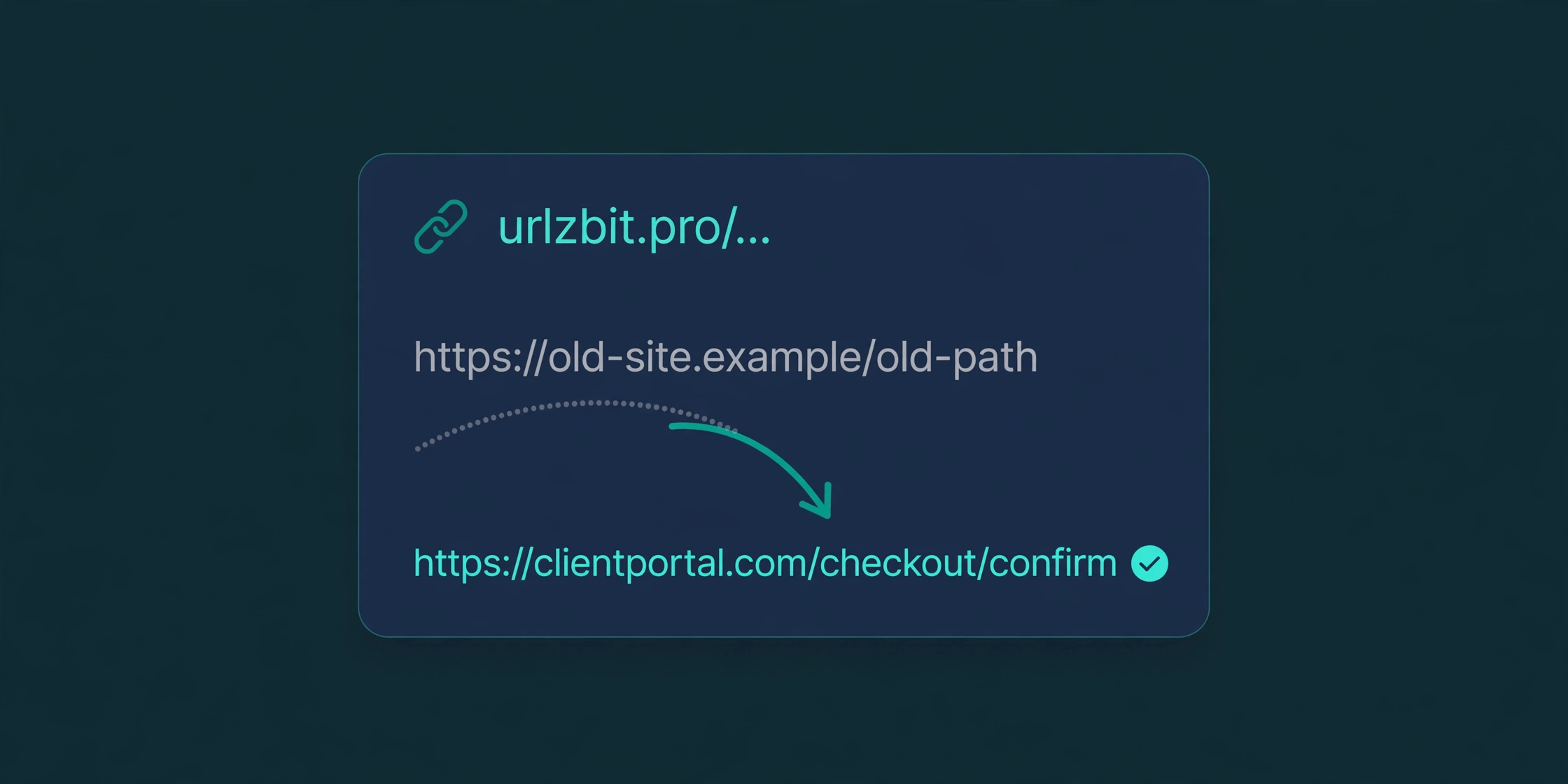
When the QR code encodes a short link, the printed pattern never changes. The short link points at a destination you control, and you can change that destination later without touching the printed code. The offer ends, the menu changes, the product page moves — you update the link, and every printed code keeps working.
- A seasonal offer ends: point the flyer code at the new offer instead of a dead page.
- A product page moves: update the packaging code's destination once, instead of reprinting the packaging.
- A menu changes: point the table code at the new menu, and the printed codes on every table stay valid.
- A campaign finishes: point the code at a thank-you page or the next campaign, instead of leaving a dead end.
This is the difference between a static QR code and a dynamic one, explained in plain terms in Dynamic QR codes: Dynamic QR Codes: Change the Destination Without Reprinting. The practical how-to for changing a destination after printing is in Change a QR code destination: How to Change a QR Code Destination After Printing
One honest caveat: editing the destination depends on the short link service staying online. A short link is a redirect, and if the service behind it stops working, the code stops working too. That is a reason to use a service you expect to last, and to keep your important links in one place you control.
What a QR code cannot do
QR codes get oversold. A clear-eyed list of what they cannot do saves a business from spending on the wrong thing.
- A QR code cannot identify the person who scanned it. No name, no email, no phone number comes with a scan. Identification only happens if the destination page asks for it and the person chooses to give it.
- A QR code cannot fix a bad destination. If the page it opens is slow, confusing, or irrelevant, the scan is wasted. The code is a door; the page behind it does the work.
- A QR code cannot create demand. A code on a poster nobody reads will not be scanned. Placement, timing, and a clear reason to scan matter more than the code itself.
- A QR code cannot replace a website. It is a shortcut to a page, not the page. A business still needs the menu, the booking form, or the store to exist.
- A QR code cannot track a person across scans. Scans are counted per link. There is no profile built from them, and no retargeting list comes out of a QR code on its own.
None of this makes QR codes useless. It makes them a tool with a clear job: get a person from a physical place to the right page, and tell you how often that happened.
Getting started on Urlzbit
You do not need a paid plan to run a small business QR setup. Urlzbit's free plan includes 100 saved links and 10,000 clicks per calendar month, a QR code for every link, custom endings so the link itself reads sensibly, password protection, and link scheduling.
- Start with three placements: pick the three places your customers already look — the counter, the receipt, and the packaging, for example — and give each its own short link and QR code.
- Give each link a readable ending: a link that ends in your offer or product name is easier to trust than a random string of characters.
- Check the numbers after two weeks: keep the placements that get scans, fix the destination or the position of the ones that do not.
- Upgrade only when you outgrow the free plan: the Pro plan at $9 per 30 days adds 5,000 links, unlimited clicks, country, device, and language routing, weighted A/B testing, bulk link creation, CSV import and export, and the Developer API. The Business plan at $29 per 30 days adds 50,000 links. There is no auto-renewal on any plan.
See the full plans on Urlzbit pricing: Pricing
If you are new to short links in general, start with Create, share, and track short links: How to Create, Share and Track Short Links
FAQ
Do I need a different QR code for every placement?
Yes, if you want to know which placement works. One code everywhere gives you one total. One code per placement gives you a number for each place, so you can keep the winners and fix or drop the rest.
Can I change where a printed QR code goes?
Yes, if the code points to a short link you control. Change the short link's destination and the printed code opens the new page. If the code encodes the final address directly, it cannot be changed without reprinting.
Do QR codes work without an internet connection?
No. Scanning opens a web page, and the phone needs a connection to load it. The code itself is only a shortcut; the destination page does the work.
How many scans should I expect?
There is no honest number to promise. Scans depend on placement, foot traffic, and how clear the reason to scan is. A code at a busy till with a clear offer will outperform a code buried at the bottom of a flyer. Measure your own placements for two weeks and judge from your own numbers.
Is a QR code safe for customers to scan?
A QR code is only as safe as the page it opens. Use a short link from a service you trust, point it at your own pages, and never put a QR code on anything that could have been tampered with, like a sticker placed over your real code. A readable custom ending on the short link also helps customers trust it before they scan.
Does Urlzbit charge for QR codes?
No. Every link on Urlzbit gets a QR code, including links on the free plan. The free plan covers 100 saved links and 10,000 clicks per calendar month.