Guides
How to Track QR Code Scans: A Practical Guide
A QR code on a poster, a menu, or a business card is easy to print and hard to judge. People scan it, or they do not, and without tracking you are left guessing which placement earned its print cost. This guide explains how QR scan tracking
By Urlzbit · · 14 min read
A QR code on a poster, a menu, or a business card is easy to print and hard to judge. People scan it, or they do not, and without tracking you are left guessing which placement earned its print cost. This guide explains how QR scan tracking actually works, how to read the numbers on Urlzbit without fooling yourself, and how to set up your codes so each placement tells you something useful.
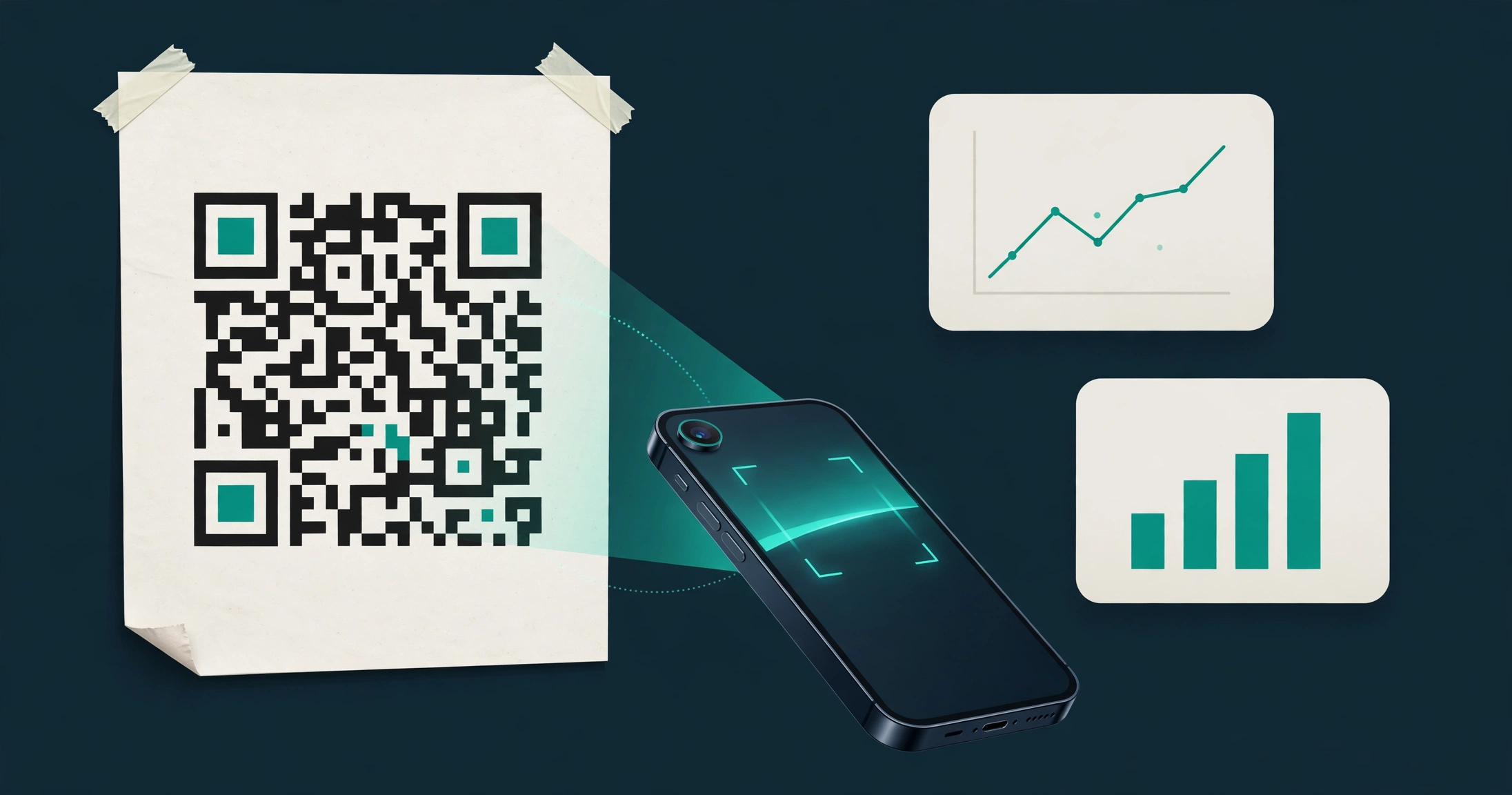
The short version first: a scan is a visit to a link. When someone scans a QR code made from a managed short link, their phone opens that link, and the visit shows up in that link's click record. There is no magic second counter hiding inside the printed pattern. If you understand that one idea, the rest of this guide falls into place.
Why scan tracking matters
Print has always had one weakness: you cannot see what happens after the paper leaves your hands. A poster in a cafe window and the same poster in a shop doorway look identical once they are up, but one of them may be doing all the work. Scan tracking turns that guess into evidence.
- It proves a placement earns its space. A code that gets scanned regularly is worth reprinting. A code that never gets scanned is a sign to change the location, the offer, or the design, not to print more of the same.
- It shows timing, not just totals. A spike after an event, a quiet week during a holiday, or a slow fade as a poster ages all tell you something about when your audience is actually paying attention.
- It lets you compare like with like. Two flyers, two menus, or two conference badges can be compared fairly, but only if each one has its own tracked link. Share one link across every placement and you get one combined total that explains nothing.
- It protects your budget. Reprinting is not free. Knowing which placements work means you spend the next print run on the winners instead of spreading it evenly and hoping.
Tracking does not make a bad offer good. If the page behind the code is slow, confusing, or irrelevant, people will leave, and the scan count will flatter you while the result disappoints. Track scans to learn where attention comes from, then judge the destination page on what visitors do next.
How Urlzbit counts scans
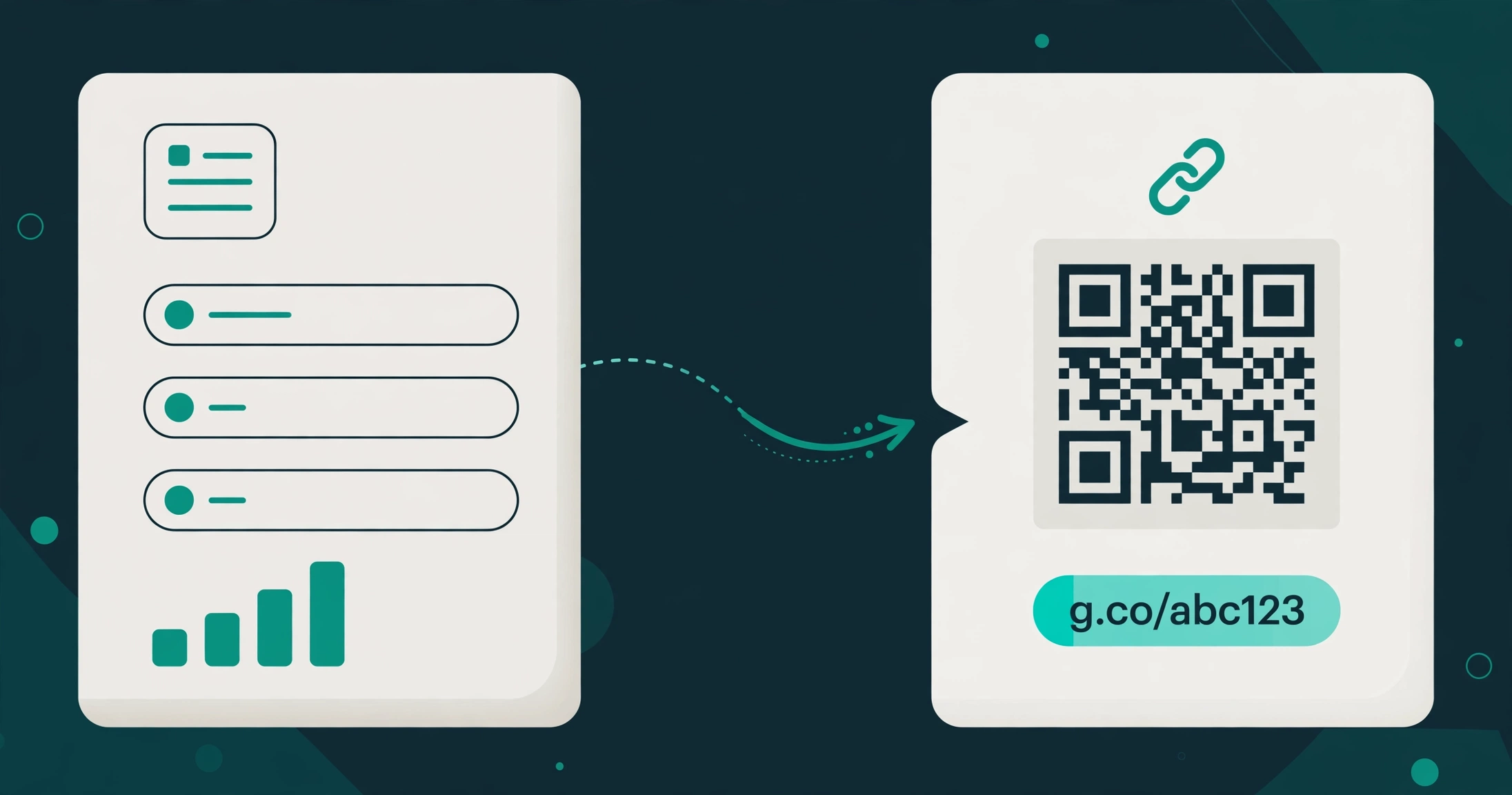
Start with how a Urlzbit QR code is made. You create a managed short link first, then download its QR code from the link's options. The printed pattern encodes that managed short address, not your final destination page directly. When a phone scans it, the phone requests the short link, Urlzbit records the visit, and the visitor is sent on to the destination you set.
That means a scan appears in the same place as any other visit to that link: its analytics record. Open the link's analytics and you will see the recorded visits over time, along with the available breakdowns for country, device, and referring website. Urlzbit's features page describes this as exploring click trends, devices, referring websites, and approximate visitor countries. A scan is not stored as a separate kind of event with its own dashboard. It is a click on the link, arriving by camera instead of by a tapped link in a message.
This has a practical consequence worth stating plainly. If the same managed link is shared in a QR code and also pasted into an email, the analytics combine both uses into one total. The record cannot tell you afterwards which visits came from the poster and which came from the email, because from the link's point of view they were the same request. That is not a flaw in the counting. It is the reason the setup in the next section matters so much.
One more honest note: a recorded visit is a request to your short link, not a certificate that a particular human stood in front of your poster. Automated requests, such as a social platform fetching a preview, can appear in click totals, and the same person scanning twice counts as two visits. Treat the numbers as recorded visits, and they will serve you well. Treat them as a headcount of distinct people, and they will mislead you.
Separating scans from link clicks
The rule is simple: one managed link per placement. If you want to compare a poster, a flyer, and a business card, create three separate managed links, even if all three point to the same destination page. Download a QR code for each one, and label your files clearly so you never mix them up at print time.
- Poster in the shop window: its own link, its own QR code, its own analytics record.
- Flyer handed out at an event: a second link, pointing to the same page, with its own QR code.
- Business card: a third link, again to the same page, with its own QR code.
- The same link in an email or a social post: keep that separate too, or accept that its visits will mix with the print visits.
This separation is what makes comparison possible. At the end of the month, you can look at three analytics records and say which placement pulled its weight, instead of staring at one total and guessing. The same principle is explained in Urlzbit's guide to changing a QR code destination after printing, which warns that sharing one managed address across uses combines its totals. The full workflow for creating a link and downloading its code is covered in the getting-started guide linked at the end of this article.
A related habit saves trouble later: never delete the link behind a printed code. Deleting it breaks the route that printed codes use, and no amount of analytics will bring those scans back. If a campaign ends, pause the link instead, or change its destination to something still useful, and keep the record intact so the history stays readable.
For digital placements, the same separation idea has a second tool. Adding UTM parameters to a link lets you tag a campaign, a source, and a medium in the destination address, which helps you sort out visits that arrive through online channels. Print cannot carry UTM tags in the same way, because the scanner only sees the short link, so the separate-link-per-placement rule stays the main method for anything on paper. The guide to UTM parameters for short links, linked below, covers the tagging side in detail.
Reading the analytics
Open the analytics for one placement's link and read it in layers, from the broad picture down to the detail.
- The trend over time: look for the shape of the line before you celebrate or panic over a single day. A steady low line means the placement is being seen but rarely acted on. A sharp spike means something happened on that day, such as an event, a mention, or a new batch of flyers going out. A slow decline on a poster that once performed well usually means the poster has aged, moved, or been covered up, not that QR codes have stopped working.
- Country breakdown: this shows the approximate countries visits came from. For a local poster, most visits should come from your own country, and a surprising spread elsewhere is a clue that the link has travelled online, perhaps through a photo of the poster shared on social media. Country detection is approximate, and visitors using a VPN or an unusual network route can appear elsewhere, so read this as a pattern, not a precise map.
- Device breakdown: most QR scans will arrive from phones, because that is how people scan. A placement showing mostly desktop visits is a strong hint that its link has leaked into an online channel, such as someone typing the short address from a photo, or the same link being shared digitally after all.
- Referring website: for a printed code, this field is often thin or empty, because a camera scan does not carry a referring page the way a clicked link does. Do not be surprised by that, and do not force a conclusion from it. The placement itself is the referrer, and that is exactly why you gave it its own link.
Read the analytics for one placement at a time, and always compare placements over the same period. Comparing a poster that has been up for a month with a flyer handed out yesterday tells you nothing about which one works better. Give each placement the same window, then compare.
It also helps to write down what changed and when. Note the date a poster went up, the date a flyer run started, and the date a destination page changed. Without those notes, a spike in the analytics is a mystery. With them, it is an explanation, and explanations are what turn tracking into decisions.
What scan counts do not tell you
Scan tracking answers one question well: how often was this code used? It does not answer several questions people often expect it to answer, and pretending otherwise leads to bad decisions.
- It does not count unique people. One enthusiastic person scanning three times looks the same as three people scanning once. If you need a headcount, you need a form, a sign-up, or a purchase behind the code, not a scan total.
- It does not prove attention or intent. A scan can be accidental, curious, or a test by your own team. A high scan count with no sign-ups, sales, or enquiries means the destination page, not the poster, needs work.
- It does not tell you why a placement failed. Zero scans could mean nobody saw the poster, the code was too small or poorly lit, the offer was unappealing, or the poster was never actually put up. Analytics show the silence. Finding the reason takes a visit to the location and a look at the physical item.
- It does not measure offline results on its own. If the goal is foot traffic into a shop, a scan is only a step toward that goal. Pair scan tracking with something at the destination, such as a booking form, a discount code, or a question at the counter about where the visitor heard of you.
- It does not stay accurate if the setup changes carelessly. Editing a link's destination changes where future scans go, which is useful, but if routing rules, a password, an expiry date, or a click limit are added without thinking, scans can be blocked or sent somewhere unexpected. Check the link's settings after any change, and scan a physical copy yourself before the next print run.
The most common mistake in QR tracking is not a technical one. It is reporting a scan total to a client or a manager as if it were a result, when it is really just the first half of the story. A scan total becomes a result only when it is paired with what happened next: how many visitors completed the form, used the offer, or made the purchase. Keep both numbers side by side, and your reports will stay honest.
A practical setup checklist
Before your next print run, walk through this list for each placement. It takes a few minutes per code, and it prevents the problems that make tracking useless.
- Create one managed link per placement, even when several placements share a destination page.
- Give each link a descriptive title that names the placement, such as the shop window poster or the spring event flyer, so the analytics record is recognisable months later.
- Download the QR code from that link's own options, and check that the file name matches the placement before sending it to print.
- Test a physical proof. Print one copy at the real size, scan it with more than one phone if you can, and confirm the destination opens correctly on a mobile screen.
- Check the link's settings before printing. Make sure it is active, has no password or expiry you did not intend, and has no routing rule that would send local scanners somewhere else.
- Note the go-live date for each placement, so later analytics spikes and silences can be explained.
- Keep the original link and its QR artwork in your campaign folder. If the destination needs to change later, you can update the same link and keep the printed code working, instead of reprinting.
- Review each placement on the same schedule, weekly for an active campaign or monthly for a long-running poster, and compare placements over identical periods.
If you follow that list, the analytics stop being a vague total and start being a set of answers: which placement worked, when it worked, and what to print next time.
Try it on Urlzbit
You do not need a paid plan to start tracking scans this way. On Urlzbit's free plan, you can save up to 100 links with up to 10,000 clicks per calendar month, and every managed link can have its own QR code. That is enough room to give each print placement its own tracked link and still have links spare for digital sharing.
Create a link for your first placement, download its QR code, print a single test copy, and scan it yourself. Then open that link's analytics and watch your own test visit appear in the record. Once you have seen the full loop work, from paper to phone to analytics, the rest of the system is just repeating the same loop for every placement that matters.
FAQ
Do QR code scans show up separately from link clicks on Urlzbit?
No, and that is by design rather than by omission. A scan opens the managed short link, so it appears in that link's click record. To track a QR placement separately, give it its own managed link, so its click record belongs to that placement alone.
Can I change where a printed QR code goes without reprinting it?
Yes, if the code was made from a managed Urlzbit link. Updating that link's destination changes where future scans go while the printed pattern stays the same. The guide to changing a QR code destination after printing explains the cases where this works and where it does not, such as codes that encode a fixed address you do not control.
Why does my QR code show visits from devices other than phones?
Most genuine scans come from phones. Desktop visits on a QR placement usually mean the short link has also been shared digitally, or someone typed the address from a photo of the printed item. Check whether the same link was pasted anywhere online before concluding the analytics are wrong.
Why is the referring website blank for my printed QR code?
A camera scan does not pass through a web page, so there is often no referring website to record. This is normal for print. The placement is identified by its own dedicated link, not by a referrer field.
How do I compare two posters fairly?
Give each poster its own managed link and QR code, put them up for the same period, and compare their analytics records over identical dates. Sharing one link across both posters gives you a combined total that cannot be split afterwards.
Do scan counts include my own test scans?
Yes. Your own test scans are visits to the link like any other, so they appear in the record. That is useful when you are checking that tracking works, but remember to allow for a handful of test visits when you report results for a new placement.
What should I do if a printed code suddenly stops getting scans?
Check the physical item first, then the link. Visit the location and confirm the poster is still up, undamaged, and well lit. Then check that the link is still active, has not expired or reached a click limit, and has no password or routing rule blocking visitors. Scan a physical copy yourself to see exactly what a visitor sees.
Keep exploring
- How to change a QR code destination after printing: Can You Change a QR Code Destination After Printing?
- The full link and QR workflow: How to Create and Track Short Links with Urlzbit
- Tagging digital campaigns: How to Add UTM Parameters to Short Links
- Urlzbit pricing: See Urlzbit pricing