Campaign tracking
How to Add UTM Parameters to Short Links Without Losing Tracking
Build a tagged destination first, then shorten it. Use practical naming examples and learn why short-link clicks can differ from website analytics.
By Urlzbit · · 4 min read
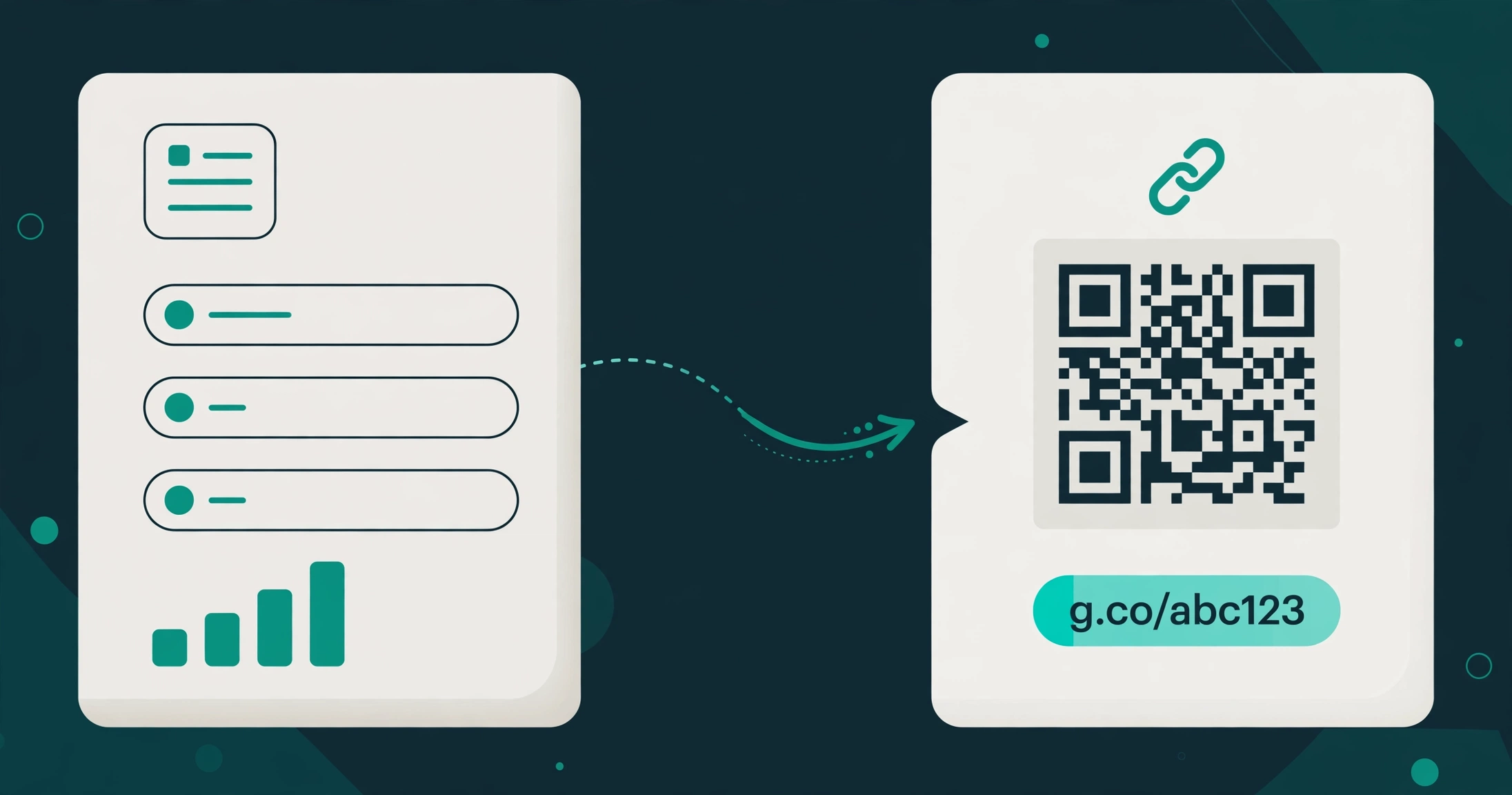
Updated October 21, 2026To use UTM parameters with a short link, put the campaign tags on the destination URL, then create a short link that points to that complete address. Your audience gets a manageable link while the destination's analytics can read the campaign information.
Do not assume that adding tags after an already-created Urlzbit short address forwards them to its destination. The reliable workflow is to save the tagged destination itself. Also, UTM tags do not install Google Analytics or give you access to another website's reports.
Choose a naming convention before creating links
Use a small, consistent set of values your team understands. For a workshop invitation, your plan might be:
- Source: newsletter
- Medium: email
- Campaign: autumn_workshop
- Content: header_button
Source identifies the origin of the campaign traffic, medium describes its channel, campaign groups the promotion, and content distinguishes placements such as two buttons in one message. Google documents these fields in its campaign URL guidance.
Keep spelling and capitalization consistent. For example, avoid mixing newsletter, Newsletter and monthly_newsletter when you mean the same source. These choices are labels for your reporting system, not a promise of a particular marketing result.
Build and shorten the destination in Urlzbit
Sign in and open Link tools → UTM campaign builder. Enter your destination in Website URL, then fill in Campaign source, Campaign medium and Campaign name. Add Campaign content if you need to distinguish placements.
Choose Build & shorten. The link editor opens with the tagged destination ready. Review it, choose any available customization, and save the link.
The destination might look like this:
https://example.com/workshop?utm_source=newsletter&utm_medium=email&utm_campaign=autumn_workshop&utm_content=header_button
This is an illustrative address. Use the real landing page you control. If the page already contains a query string, use the builder rather than manually adding a second question mark.
Make different links for different placements
Suppose you promote the same workshop in an email and on a printed poster. Build a tagged destination for each placement, with an appropriate source, medium and content value, then save each as a separate managed link.
Separate records let you compare their recorded click activity in Urlzbit. The tags let your destination analytics distinguish the campaigns after visitors reach the website. Store the naming convention in a shared document so later campaigns use the same system. Tagging dozens of destinations at once? The bulk URL shortener guide explains paste and CSV workflows that pair well with a naming plan.
Test what reaches the destination
Open the saved short link and inspect the final destination address. Check that the expected utm values remain present. If your landing page or another redirect strips the query string, correct that part of the route before launching.
If you use country or device destinations, save the relevant tags on those destination URLs too. A rule that selects an untagged page does not automatically inherit the tags from the default destination.
Then check the destination analytics account you actually control. Allow for its normal reporting delay, consent settings and data-processing behavior. Urlzbit does not configure that account or guarantee that every visit will be recorded there.
Why clicks and analytics sessions differ
Urlzbit records requests to its managed link. A destination analytics service measures activity after the visitor arrives and its tracking can run. Automated previews, repeated clicks, browser restrictions and consent choices can create differences between those totals.
UTM values are campaign labels, not proof that a visitor registered or purchased something. Measure those outcomes on your landing website separately. If you are promoting somebody else's page, arrange access to its reporting or an agreed conversion report; tags alone do not give you that access.
Keep the campaign easy to maintain
Review the full destination whenever you edit a link. Retain existing tags if the campaign stays the same, and document deliberate changes so older and newer traffic can be interpreted correctly. Keep personal information out of campaign labels.
For the general creation workflow, see how to create and track a Urlzbit short link. Start with a consistent naming plan, save the tagged destination, and test the complete route before sending the campaign.