Guides
Short Links: What They Are, When to Use Them, and What to Avoid
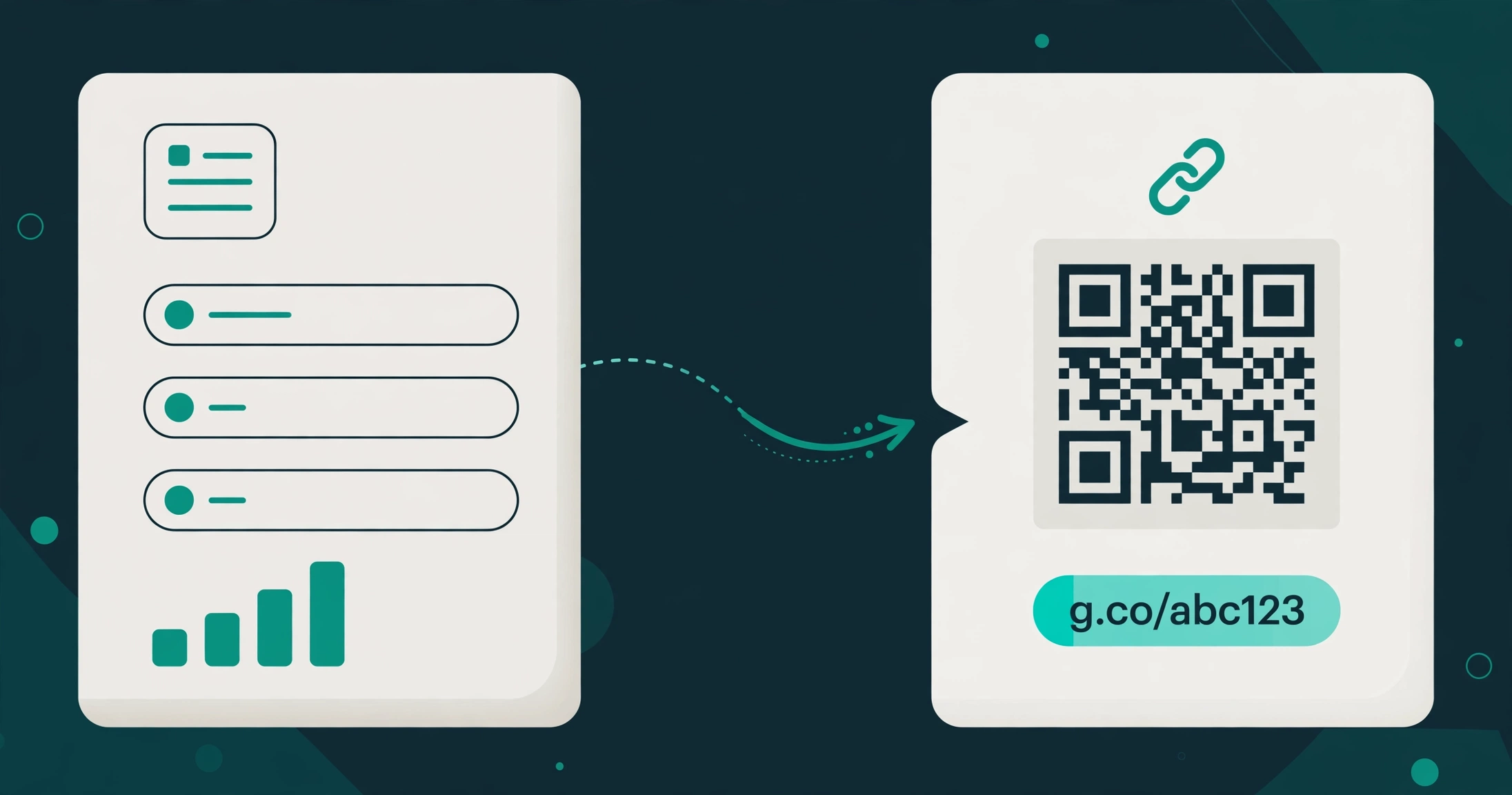
A short link is a compact web address that sends anyone who clicks it to a longer destination address. You have seen them everywhere: in social media bios, on printed posters, in text messages, and at the bottom of advertisements. They exist for one simple reason — long addresses are hard to share, hard to remember, and hard to trust at a glance.
By Urlzbit · · 11 min read
A short link is a compact web address that sends anyone who clicks it to a longer destination address. You have seen them everywhere: in social media bios, on printed posters, in text messages, and at the bottom of advertisements. They exist for one simple reason — long addresses are hard to share, hard to remember, and hard to trust at a glance.
But a short link is not always the right tool. Used well, it makes sharing cleaner and measurable. Used badly, it hides where a click really goes, and that can cost you trust. This guide explains what short links are, when they help, when they hurt, and how to choose a shortener without paying for features you will never use.
What a short link actually is
A short link is a redirect. When someone clicks it, the shortener's server receives the request and immediately sends the visitor on to the destination page you chose. The visitor ends up on the real page, and the short address itself is never the final destination — it is a doorway to it.
That is the whole mechanism, and it explains both the appeal and the risk. A short address is easier to type, fits in a post with a character limit, and can be printed on a card or poster. But because the destination is hidden behind the short address, a reader cannot tell from the link alone where they will land.
The difference from a raw URL: a raw URL shows its destination openly, including the domain name. A short link trades that transparency for brevity. That trade is worth making in many situations, and a poor choice in others — which is why the decision matters more than the tool.
If you want the full technical explanation of how shortening works, read What is a URL shortener: What Is a URL Shortener? How Short Links Work. This guide focuses on the decision instead: when to shorten, when not to, and what to look for in a tool.
When short links help
Short links earn their place in a few specific situations:
- Social posts with character limits — A long address with tracking parameters can eat a large share of a post. A short link keeps the message readable and leaves room for the actual words.
- Printed material — A poster, business card, menu, or flyer cannot carry a clickable link. A short, readable address is the only version a reader can type in by hand, and a QR code next to it covers the people who would rather scan.
- Spoken or on-screen sharing — A short link can be read aloud on a call, a video, or a presentation without spelling out a long string of characters and parameters.
- Tracking a specific placement — One short link per placement — one for the poster, one for the email, one for the bio — tells you which placement earned its clicks. The same destination shared through three different short links gives you three separate click counts.
- Cleaning up messy addresses — Addresses with long tracking strings, session parameters, or file paths look untrustworthy in a message. A short link presents the same destination cleanly.
In each of these cases, the short link solves a real sharing problem. It does not change the destination, and it does not make the destination better — it makes reaching it easier.
When short links hurt
There are situations where shortening a link works against you:
- When trust is the whole point — In a formal email, a legal notice, or a first message to someone who does not know you, a hidden destination can look evasive. A reader who cannot see where a link goes has one reason fewer to click it. In trust-critical contexts, show the full address.
- When the link must last forever — A short link depends on the shortener staying in business and keeping your link live. If the service closes or deletes the link, every place you shared it breaks at once. For a link that must survive for years, weigh that dependence against the convenience.
- When the destination changes hands — A short link you control can be edited to point somewhere new, which is useful — but a short link created by someone else can also be edited after you shared it. Never rely on a stranger's short link for anything important without checking where it leads.
- When readers need to verify the source — News, research, and official documents are better served by full addresses. A reader who wants to check the source domain should not have to click blind to do it.
- When you shorten everything by habit — Shortening a link that is already short and readable adds a redirect for no benefit. If the original address is clean and fits the space, leave it alone.
The rule of thumb is simple: shorten when brevity, print, or tracking genuinely helps. Do not shorten when transparency matters more than convenience.
Free vs paid shorteners: what the money actually buys
Free shorteners are genuinely useful, and for many people they are all that is ever needed. A free plan typically covers the basics: creating saved links, giving them a custom ending, generating a QR code for each link, and seeing basic click counts. If you shorten a handful of links a month for personal sharing, a free plan is enough.
Paid plans exist for people whose links do real work. What the money usually buys is scale and control rather than a different kind of link:
- More saved links — Free plans cap how many links you can keep. Paid plans raise or remove that cap.
- Unlimited clicks — Some free plans cap monthly clicks. Paid plans usually remove that limit.
- Editing after sharing — Changing a link's destination without changing the short address is often a paid feature, and it is the feature that saves printed material from becoming waste.
- Routing and testing — Sending visitors to different destinations by country, device, or language, and splitting traffic between two pages to compare them, are paid-tier features.
- Bulk creation — Creating many links at once, by pasting a list or importing a file, matters when you manage campaigns rather than single links.
- API access — Creating and managing links from your own software, rather than by hand in a dashboard, is a developer feature on paid plans.
None of this means a paid plan is better in any absolute sense. It means the paid plan removes limits that only start to matter at a certain volume. Paying for unlimited clicks when you get a few dozen a month is paying for a limit you never reach. Staying on a free plan when you manage hundreds of campaign links is fighting a cap every week. Match the plan to the workload, not to the marketing page.
How to choose a shortener
Before comparing brands, decide what you actually need. These five questions settle most choices:
- How many links will you keep? — Count the links you will actively use, not the ones you might create one day. A free plan with a 100-link allowance covers most personal and small-business use.
- Do you need to edit destinations? — If your links go on anything printed, or into anything you cannot easily update, editing after sharing is not optional. Confirm it is included before you commit to a tool.
- Do you need analytics beyond a click count? — A basic click count answers "did anyone click." Country and device breakdowns answer "who clicked, and on what." Decide which question you actually need answered, and remember that no shortener can tell you who a visitor is — only aggregate counts.
- Do you need a branded domain? — This is the feature most often misunderstood. A custom ending — the words after the slash — is not the same as a branded domain, which is your own domain name on the link itself. Many tools offer the first without the second. If your links must carry your own domain, verify that specifically; do not assume a custom ending gives it to you.
- What happens when you stop paying? — Check whether a paid plan renews automatically, and what happens to your links if a payment lapses. A plan with no auto-renewal means you choose each renewal deliberately, and a lapsed plan should never silently delete links you depend on without warning.
Apply those questions in order and most tools eliminate themselves quickly. The right shortener is the cheapest one that clears all five answers for your actual use — not the one with the longest feature list.
Where Urlzbit fits
Urlzbit's free plan covers the everyday case: 100 saved links, 10,000 clicks per calendar month, custom endings, a QR code for every link, password protection, scheduling, and Google sharing. That is enough for personal sharing, a small business's social and print links, and anyone trying a shortener for the first time.
Pro at 9 dollars per 30 days raises the limits where they matter for heavier use: 5,000 saved links, unlimited clicks, country, device, and language routing, weighted A/B testing, bulk paste of up to 20 URLs, CSV import of up to 100 rows, CSV export, and the Developer API. The Business plan at 29 dollars per 30 days raises the allowance to 50,000 links, and Lifetime Pro is a 149-dollar one-time purchase.
Two points of honesty matter here. First, Urlzbit does not offer a documented bring-your-own custom domain, so if a branded domain is a hard requirement, Urlzbit is not the tool for that job — custom endings are the closest it offers. Second, there is no auto-renewal on any plan, so a renewal is always your decision, never a charge you discover later.
If you are comparing Urlzbit against the big legacy tools, read The cheaper third option: Bitly Alternative: More Free Links, No Auto-Renewal. And if you want the practical steps rather than the decision, read Every free method: How to Shorten a Link: Every Free Method That Actually Works. For current limits and prices, see Urlzbit pricing: Urlzbit Pricing.
Frequently asked questions
Are short links safe to click?
A short link is as safe as its destination, and that is exactly the problem: you cannot see the destination before clicking. Only click short links from sources you trust, and be extra cautious with short links in unsolicited messages. A reputable shortener does not make an untrustworthy destination trustworthy.
Do short links hurt search rankings?
Short links are redirects, and search engines treat them as such. For links you share in posts, emails, and print, rankings are not the concern — people clicking is. Do not build a search strategy around short links; build it around the destination pages themselves.
Can I change where a short link goes after sharing it?
On Urlzbit, yes — editing a link's destination keeps the same short address working while sending new visitors to the new page. That is what makes short links viable on printed material. Not every tool includes this, so confirm it before you print anything.
What happens to my short links if I stop paying?
That depends on the tool, which is why it is one of the five questions above. On Urlzbit, plans do not auto-renew, so a plan simply ends at the end of its 30 days unless you choose to renew it. Before relying on any tool for important links, check its terms for what happens to links on a lapsed plan.
Should I shorten every link I share?
No. Shorten when brevity, print, or tracking genuinely helps. Leave a link alone when it is already short and readable, when trust depends on showing the destination, or when the link must be verifiable at a glance.
The short version
Short links are a sharing tool, not a magic one. They help when space is tight, when a link must be printed or spoken, and when you need to know which placement earned its clicks. They hurt when transparency matters more than convenience, and when you depend on a link that someone else controls. Choose a shortener by counting your real links, confirming you can edit destinations, and checking what happens when you stop paying — and pay only when a free plan's limits actually get in your way.