Guides
TinyURL Alternative: More Free Links, Cleaner Links
TinyURL is the simplest tool in link shortening. You paste a long address, you get a short one, and you move on with your day. That simplicity is exactly why people love it — and exactly why some people outgrow it. If you have started to wi
By Urlzbit · · 10 min read

TinyURL is the simplest tool in link shortening. You paste a long address, you get a short one, and you move on with your day. That simplicity is exactly why people love it — and exactly why some people outgrow it.
If you have started to wish your short links could tell you something — who clicked, from where, and whether the link still points where you want it to — you do not need a complicated platform. You need a TinyURL alternative that keeps the simplicity and adds the missing pieces. This guide compares TinyURL's free plan honestly with Urlzbit's, concedes where TinyURL still wins, and helps you decide whether switching is worth it.
What TinyURL gives you
TinyURL's pitch has barely changed in years, and that is a feature, not a bug. Here is what the free plan actually includes, checked against TinyURL's own pricing page in October 2026.
- No account needed for a quick link: you can shorten a link on the TinyURL homepage without signing up at all, which makes it the fastest option for a one-off link in a chat message or a forum post.
- 30 new links a month on the free account: register for a free dashboard and you get 30 new links per month, plus one branded domain.
- Links that never expire: free TinyURL links do not carry an expiry date, so a link you made years ago should still work today.
- Custom aliases: you can choose the ending of your short link instead of accepting a random string, which keeps links readable and on-brand.
- A deliberately simple tool: there is no dashboard to learn, no onboarding flow, and no feature you did not ask for. For a single link, that workflow is hard to improve on.
TinyURL's paid plans build on the same simple base. Pro costs $11 a month, or $9 a month billed annually, and raises the allowance to 125 new links a month with unlimited tracked clicks, three branded domains, and two years of analytics. A Bulk 50K plan at $83 a month, or $69 a month billed annually, covers 50,000 links and 50,000 tracked clicks a month for high-volume senders. Annual billing is available on the paid plans, and auto-payment is offered as an option rather than forced on you.
Where TinyURL falls short
TinyURL's free plan is honest about what it is: a shortener, not a tracking tool. The gaps below are the ones that actually push people to look for an alternative.
- No analytics on the free plan: free links record no click data you can review. If you put a link on a flyer, in a bio, or in an email, you will never know whether anyone clicked it.
- No editing or deleting on the free plan: once a free link is created, you cannot change where it points or remove it. If the destination page moves, your only option is to make a new link and redistribute it.
- A tight monthly allowance: 30 new links a month is plenty for occasional use, but a creator posting daily, or a small business running several campaigns at once, will hit the ceiling fast.
- No tracking features to grow into: the free plan has no click analytics, no QR tracking, and no link controls beyond the custom alias. When your needs grow, the free plan does not grow with them.
None of this makes TinyURL a bad tool. It makes it a narrow one. If all you ever need is a short link, TinyURL's free plan is still one of the easiest ways to get one.
Urlzbit vs TinyURL: the free plans head to head
Here is how the two free plans compare on the points that matter most, using only what each service actually publishes.
- Free link allowance: TinyURL gives you 30 new links a month on a free account. Urlzbit's free plan gives you 100 saved links, plus 10,000 clicks a calendar month — more than three months of TinyURL's monthly allowance in one free plan.
- Click tracking: TinyURL's free plan records no analytics. Every Urlzbit link counts its clicks against your monthly allowance, so you can see which links are actually working.
- Custom endings: both services let you choose a readable ending for your link. TinyURL calls them custom aliases; Urlzbit calls them custom endings, and they are included on the free plan.
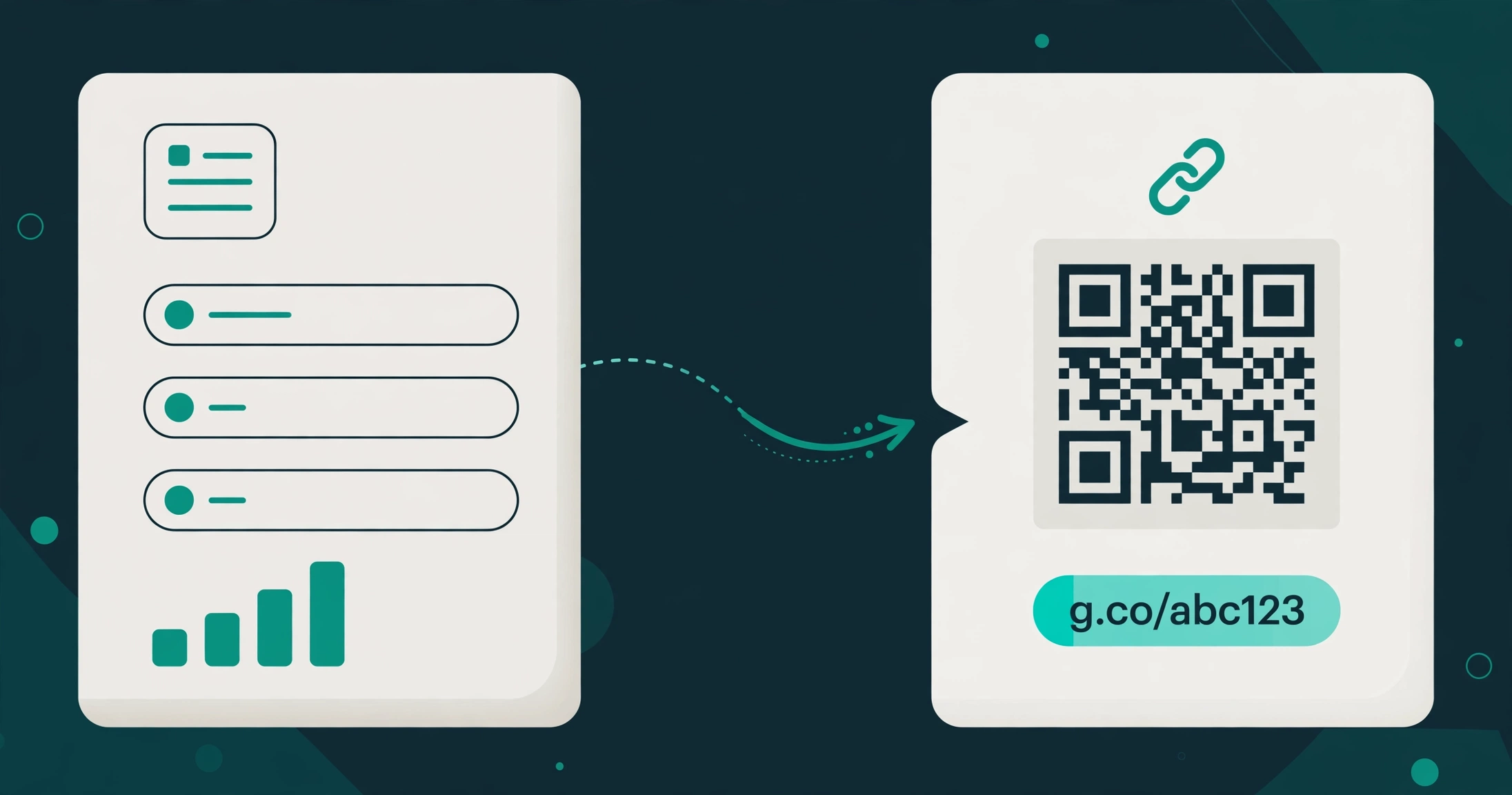
- QR codes: every Urlzbit link comes with a QR code you can download and print, so one link works both on screen and on paper. TinyURL's free plan is built around the link itself, not around printed placements.
- Password protection: Urlzbit includes password protection on the free plan, so you can put a private link behind a password in about a minute. This is the kind of control TinyURL's free plan simply does not offer.
- Branded domains: this is where TinyURL wins outright. TinyURL's free account includes one branded domain. Urlzbit does not document a bring-your-own custom domain, so if your own domain on every link is a must-have, TinyURL's free plan beats Urlzbit's.
- Cheapest paid step up: TinyURL Pro starts at $11 a month, or $9 a month billed annually. Urlzbit Pro costs $9 per 30 days and includes 5,000 links, unlimited clicks, country, device, and language routing, weighted A/B testing, bulk paste of up to 20 URLs, CSV import of up to 100 rows, CSV export, and the Developer API — with no auto-renewal anywhere, so a plan ends unless you choose to renew it.
The honest summary: Urlzbit's free plan gives you more links and more information about them. TinyURL's free plan gives you a branded domain and the simplest possible workflow. Neither wins every row, and any comparison that says otherwise is selling you something.
A practical way to settle the comparison is to run the same link in both tools for a week. Share the TinyURL version in one place and the Urlzbit version in another, then check what each dashboard tells you. TinyURL will give you a working link and nothing else. Urlzbit will show you the clicks that link earned, which is the whole difference in one glance: one tool shortens, the other shortens and reports back. If you never open the Urlzbit dashboard in that week, you have your answer too — stay with the simpler tool.
Who should switch, and who should not
You should probably switch to Urlzbit if any of these sound like you:
- You create more than 30 links a month and keep running into TinyURL's monthly cap.
- You want to know whether your links are being clicked, and from where, without paying first.
- You print links as QR codes on menus, posters, or business cards and want the scans counted with the link's clicks.
- You share private links and want password protection without upgrading.
- You want a paid plan that does not auto-renew, so you only pay for the months you actually use.
You should probably stay with TinyURL if any of these sound like you:
- You make a handful of links a month and never check analytics.
- You want your own branded domain on your links without paying — TinyURL's free plan includes one, and Urlzbit does not document that option.
- You value the fastest possible workflow above everything else: paste, shorten, done, no account required.
- Your links must never expire, and that guarantee matters more to you than tracking or controls. TinyURL states it plainly; do not trade a guarantee you rely on for features you will not use.
If you are in the first group, switching costs nothing to test. Urlzbit's free plan needs no payment details, and you can keep your TinyURL links running alongside it while you compare the two in real use. That is the right way to switch: run both for a month, check which dashboard you actually open, and keep the one that earns its place.
Frequently asked questions
Is TinyURL really free?
Yes. You can shorten links on the TinyURL homepage without an account, and a free account gives you 30 new links a month with one branded domain and links that never expire. Analytics, link editing, and deleting are paid features, starting with Pro at $11 a month or $9 a month billed annually.
Can I edit a TinyURL link after sharing it?
Not on the free plan. Editing a link's destination is a Pro feature. If you need to change destinations after sharing — for example, when a product page moves or a campaign ends — that limitation alone is a good reason to look at an alternative.
What does Urlzbit's free plan include?
Urlzbit's free plan includes 100 saved links and 10,000 clicks a calendar month, custom endings, a QR code for every link, password protection, Google sharing, and scheduling. Pro costs $9 per 30 days and adds 5,000 links, unlimited clicks, routing rules, weighted A/B testing, bulk tools, CSV import and export, and the Developer API. Business costs $29 per 30 days for 50,000 links, and Lifetime Pro is a $149 one-time payment. No Urlzbit plan auto-renews.
Can I use my own domain on Urlzbit?
Urlzbit does not document a bring-your-own custom domain option. It does offer personal redirect branding on paid plans, which is not the same thing as putting your own domain on your links. If a branded domain is your top priority, TinyURL's free plan — which includes one branded domain — or a dedicated branded-domain tool is the better fit, and you should weigh that honestly before switching.
Will switching break my existing TinyURL links?
No. Your existing TinyURL links keep working, because TinyURL links never expire. Switching means creating new links with Urlzbit going forward, not migrating or breaking old ones. Run both side by side until you are sure the new tool earns the job.
The bottom line
TinyURL is still the best tool for the simplest job: one link, right now, no account, no fuss. But the moment you want to know whether that link worked, change where it points, or make more than 30 of them a month, its free plan runs out of room. Urlzbit's free plan gives you 100 saved links, click tracking, QR codes, and password protection without asking you to pay — and concedes the one row it loses, branded domains, rather than pretending otherwise.
If that trade sounds right, try the free plan alongside TinyURL for a month and let the numbers decide. And if you want the wider comparison first, read our guide to the best URL shorteners in 2026, our head-to-head Bitly vs TinyURL comparison, or the original Bitly alternative guide that started this series. For Urlzbit's full plans and limits, see the pricing page.
Try it free: Create your first short link and see your clicks counted from day one.