Guides
How to Shorten a Link: Every Free Method That Actually Works
A long link is a small problem that shows up everywhere. It wraps awkwardly in a message, eats characters in a post, looks untrustworthy in an email, and cannot be printed on a poster at all. Shortening a link fixes all four problems at once, and the free methods below cover every situation most people actually face.
By Urlzbit · · 11 min read

A long link is a small problem that shows up everywhere. It wraps awkwardly in a message, eats characters in a post, looks untrustworthy in an email, and cannot be printed on a poster at all. Shortening a link fixes all four problems at once, and the free methods below cover every situation most people actually face.
This guide explains what shortening really does, walks through each free method, and ends with the checks worth running before you share a short link anywhere that matters.
What happens when you shorten a link
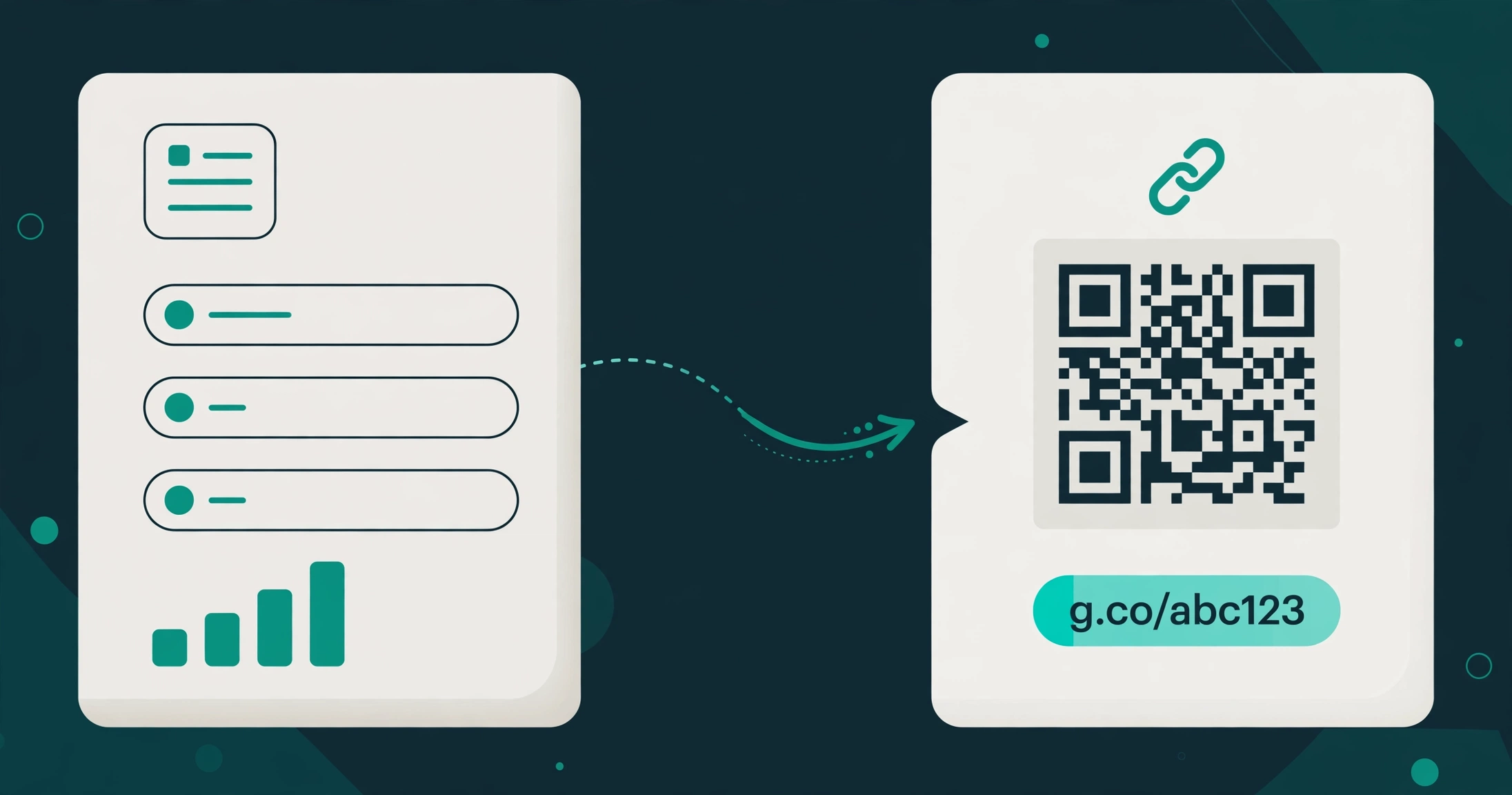
Shortening a link does not change where the link goes. It creates a short address that redirects to the original address. When someone clicks the short link, the service looks up the destination and sends the visitor there, usually in a fraction of a second.
That redirect is the whole mechanism, and it explains both the benefits and the limits:
- The short link is easier to share. It fits in posts, messages, and printed material where a long address would not.
- The short link can be measured. Most shortening tools record clicks on the short link, so you can see how many people actually followed it.
- The short link can be edited. On tools that give you an account, you can often change the destination later without changing the short link itself.
- The short link hides the destination. A reader cannot tell from the short address alone where it leads, which is why trust matters, and why you should only shorten links to pages you stand behind.
One more honest point before the methods: shortening a link does not make the destination page itself faster, safer, or better. It only changes the address people use to reach it.
If you want the full background on how short links work, read the companion guide:
- The basics: What Is a URL Shortener? How Short Links Work
The fastest free method: shorten with a free account
For most people, the fastest reliable free method is a free account on a link shortener. You paste the long address, you get a short link, and the link stays in your account where you can find it again, edit it, and see its clicks.
On Urlzbit, the free plan works like this:
- Free saved links: 100 saved links on the free plan
- Free clicks: 10,000 clicks per calendar month
- Custom endings: choose a readable ending for your link instead of random characters
- QR code per link: every link gets its own QR code for print
- Password protection: add a password to a link when it should not be public
- Scheduling: set links to start or stop at a time you choose
- Google sharing: share links through Google's sharing options
The practical steps are the same on nearly every shortener, and they take under a minute:
- Paste: copy the long address and paste it into the shortener
- Customize: replace the random ending with a short, readable word if the tool allows it
- Save: keep the link in your account so you can find it, edit it, or check its clicks later
- Share: copy the short link or its QR code wherever the audience will see it
A free account is the right method whenever you might need the link again. That covers work links, campaign links, links in a bio, links on printed material, and anything you plan to measure. If a link matters enough to print, it matters enough to keep in an account.
For a step-by-step walkthrough of creating, sharing, and tracking a link on Urlzbit, see:
- Step-by-step guide: How to Create, Share and Track a Short Link with Urlzbit
Shorten without an account: when it works, when it doesn't
Some tools let you paste a long address and get a short link without signing up. That is genuinely useful, and genuinely limited. Knowing the tradeoff is what keeps this method from backfiring.
- When no-account shortening works: you need a short link once, right now, for a casual share, and you will never need to edit it, track it, or find it again. A link dropped into a single chat message is the classic case.
- When it fails you: the link turns out to have a typo in the destination, the page moves, or you want to know how many people clicked. Without an account, there is usually no way back to the link to fix it or check it.
- The link-rot risk: a short link you cannot manage is a short link you cannot repair. If the destination changes and you cannot edit the short link, every copy of it already shared points to the wrong place.
- The trust cost: strangers are rightly cautious about short links from people they do not know, because the destination is hidden. A link from an account you control, with a readable custom ending, looks more trustworthy than a random string from a tool nobody recognizes.
The rule of thumb is simple. No-account shortening is fine for throwaway shares. Anything you will share twice, print, or care about next week belongs in a free account. The account costs nothing on Urlzbit's free plan, and it buys you editing, tracking, and recovery.
Short links for social, email, and print
The method stays the same, but the details change with the channel. A short link that works well in one place can fail quietly in another.
- Social posts: short links save characters and read cleanly, which matters most where space is tight. A readable custom ending also tells the reader something about the destination before they click, which a random string never does. Track clicks per post by giving each post its own short link, so you can see which post actually drove traffic instead of guessing.
- Email: long addresses wrap across lines in some email apps, and a wrapped link can break or look broken. A short link stays on one line and looks deliberate. The same caution applies as with social: use a custom ending the reader can make sense of, and never shorten a link to mask where it really goes.
- Print: a short link on a poster, menu, business card, or product label is the only version that works at all, because nobody types a long address from paper. Pair the short link with its QR code so phone users can scan instead of type. One link per placement matters here: a different short link for the poster and the business card tells you which placement earned its print cost.
- Bios and profiles: where only one link is allowed, a short link with a readable ending does double duty. It fits the space and it signals the destination. If the destination changes, editing the short link in your account updates every place the link appears, without touching the bio again.
Across all four channels, the same principle holds: one short link per placement, a readable ending, and an account behind it so you can fix or measure it later.
What to check after shortening
Shortening takes seconds. Checking takes a few more, and it catches the mistakes that are embarrassing or expensive once a link is public.
- Click it yourself: open the short link in a fresh browser tab and confirm it lands on the exact page you intended, not a homepage, not a login screen, and not a page that moved.
- Check the ending: if you set a custom ending, confirm it reads the way you think it does. Endings are case-sensitive on some tools, and a confusing ending costs you the trust a readable one earns.
- Check the preview: where the link will show a preview, such as in a message or a social post, confirm the preview matches the destination. The preview comes from the destination page itself, not from the shortener, so a wrong preview means the destination page needs attention, not the short link.
- Check the tracking: if you plan to measure clicks, confirm the link is the one in your account and that its click record is visible. A no-account link gives you nothing to check, which is one more reason to prefer an account for anything important.
- Check the permissions: shortening a link does not change who can open the destination. A link to a private document stays private, and a link to a public page stays public. If the destination needs a login or permission, the short link will need it too.
If any check fails, fix it before sharing. A short link shared once is easy to correct in your account. A short link shared a thousand times is a cleanup job.
When free stops being enough
Free plans cover a lot, but they have edges, and recognizing them early saves a mid-campaign scramble.
- You run out of saved links: Urlzbit's free plan holds 100 saved links. If your work regularly passes that, a paid plan is cheaper than juggling multiple free accounts and losing track of which link lives where.
- You need more clicks: the free plan covers 10,000 clicks per calendar month. A link that goes viral or a campaign that scales past that needs a plan with more headroom.
- You need advanced routing or bulk work: features like country, device, and language routing, weighted A/B routing, bulk paste, and CSV import sit on Urlzbit's paid plans. If your workflow depends on them, free was never the right tier for that job.
- You want to pay without a subscription trap: Urlzbit's paid plans run in 30-day periods with no auto-renewal, so a plan ends unless you choose to renew it. Pro is $9 per 30 days and Business is $29 per 30 days, with a $149 one-time Lifetime Pro option. That matters if you have been burned by a subscription that kept charging after you stopped using it.
For most personal and small-team use, though, free is genuinely enough. The honest test is whether you are hitting a limit or imagining one.
You can compare the plans directly here:
- Plans and pricing: Urlzbit pricing
FAQ
Do short links expire?
It depends on the tool and the plan. Some free tools let links expire or delete inactive ones, while others keep them indefinitely. On Urlzbit, the free plan's limits are about the number of saved links and monthly clicks, not a published expiry date on each link. If a link must last, keep it in an account on a tool whose terms you have read, and check it periodically.
Can I shorten a link for free without creating an account?
Yes, some tools offer no-account shortening. It works for a one-off share, but you give up editing, tracking, and recovery. For anything you will share more than once or care about later, a free account is the better method, and it costs nothing on Urlzbit's free plan.
Does shortening a link change its destination?
No. Shortening creates a short address that redirects to the original address. The destination page, its content, and its permissions stay exactly as they were. If the destination moves, you need to edit the short link in your account or create a new one.
Are short links safe to click?
A short link is as safe as its destination, and the problem is that you cannot see the destination from the short address alone. Only click short links from sources you trust, and only share short links to pages you stand behind. A readable custom ending is a small trust signal, not a guarantee.
Can I use my own domain for short links?
That depends on the tool. Urlzbit offers custom endings on its own domain, which is what most free plans mean by a custom link. A fully branded domain on your own address is a different feature, and Urlzbit does not document a bring-your-own-domain option. Do not confuse the two when comparing tools: a custom ending and a custom domain are not the same thing.
What is the best free method overall?
For a one-off share, no-account shortening is fastest. For everything else, a free account wins, because it adds editing, tracking, and recovery for the same price: nothing. Start with the free account method, and only drop to no-account shortening when the link truly does not matter beyond a single share.
The short version
Shortening a link is a redirect, not a rewrite. Use a free account whenever the link might matter again, use no-account shortening only for throwaway shares, give each placement its own link, and click every short link yourself before anyone else does. That is the whole method, and it is free.