Guides
QR Code Menus for Restaurants: Set One Up Without an App
A QR code menu is a QR code on the table that opens your menu on the customer's phone. No app to install, no printed menu to hand over, no reprint when a price changes. This guide shows how to set one up with a short link and a QR code, wha
By Urlzbit · · 9 min read
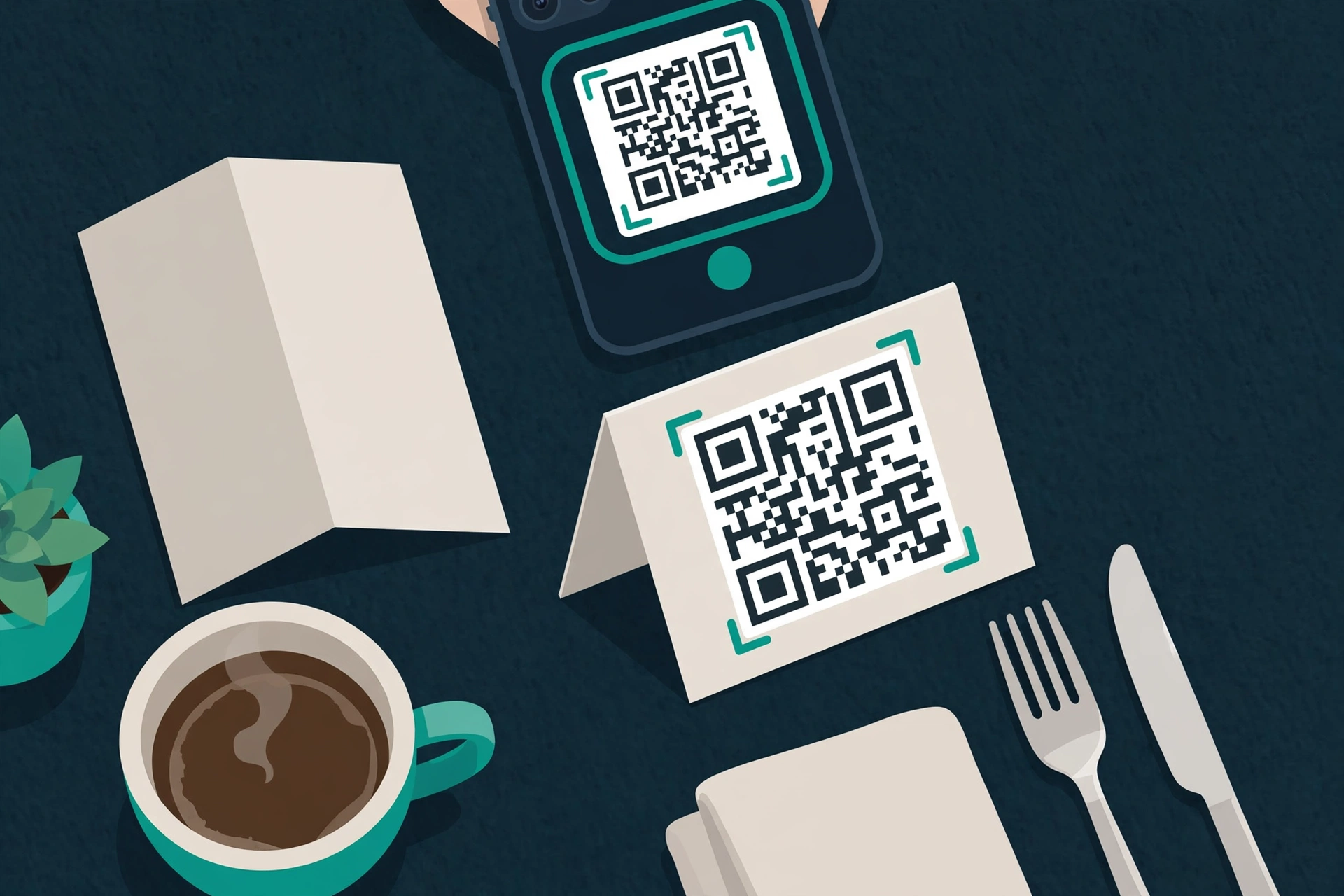
A QR code menu is a QR code on the table that opens your menu on the customer's phone. No app to install, no printed menu to hand over, no reprint when a price changes. This guide shows how to set one up with a short link and a QR code, what Urlzbit does and does not do, and how to track which tables actually get scanned.
Why restaurants use QR menus
- No reprinting. Change a dish or a price and the menu on the customer's phone updates. The printed QR code stays the same.
- One menu, every table. The same menu link works on every table, at the counter, and on a takeaway flyer.
- No app for the customer. A phone camera opens the menu in the browser. Nothing to download and nothing to sign up for.
- Cleaner tables. Fewer laminated menus to wipe down, replace, or lose.
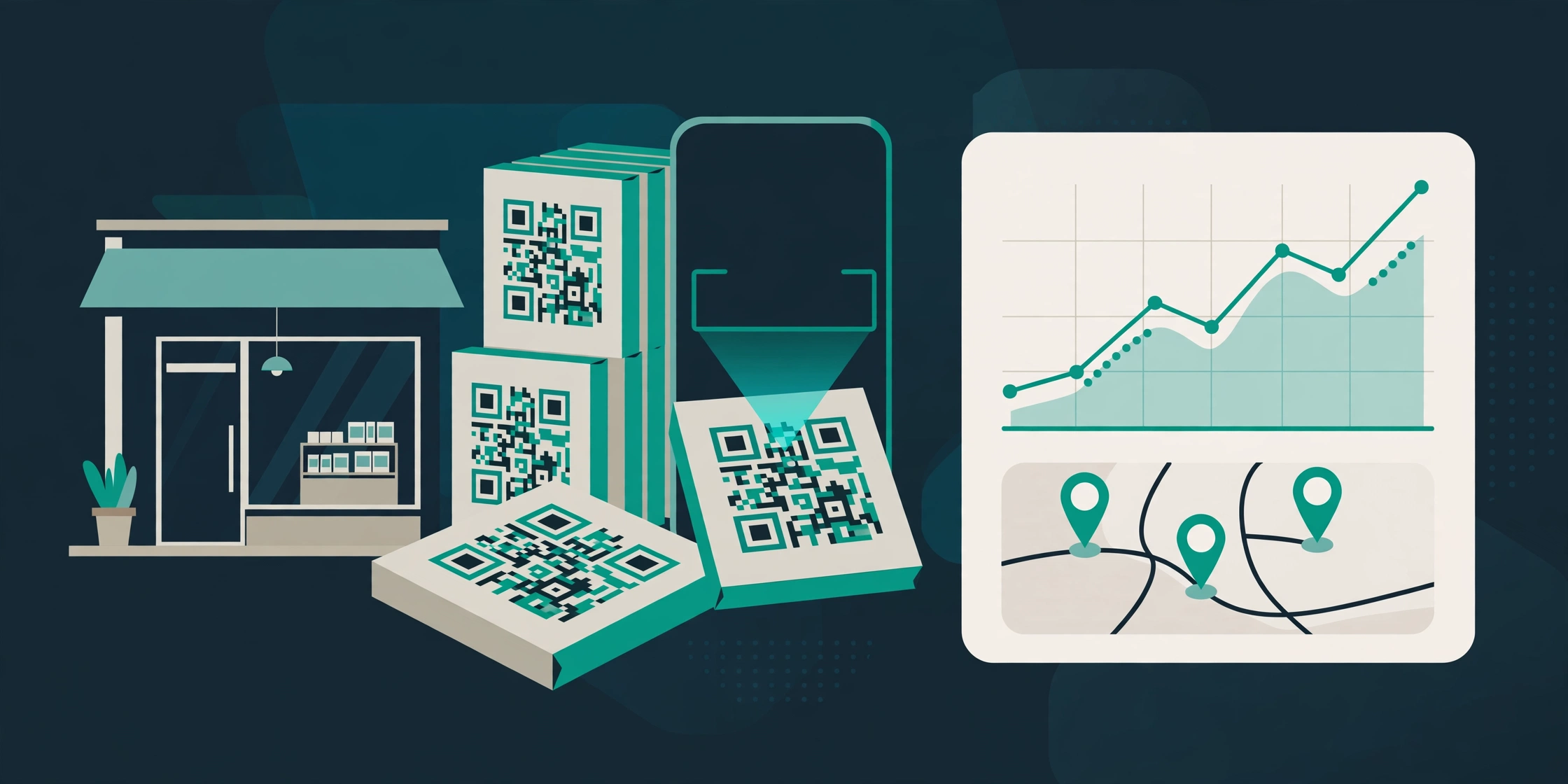
- A record of interest. Each scan is a click on your menu link, so you can see which placements get used and which sit ignored.
A QR menu is not a replacement for good food or good service. It is a cheaper, faster way to put the menu in front of people who are already sitting down.
What you need before you start
- A menu page. Your menu has to live somewhere on the web before a QR code can open it. That can be a page on your restaurant's website, or a PDF of your menu hosted online. Urlzbit does not build menus, and it does not host your menu file. It shortens the link to your menu and makes the QR code that opens it.
- A short link to that menu page. Long menu URLs are ugly on a table tent and impossible to type. A short link fixes that.
- A printed QR code. One per table works best, and this guide explains why below.
If your menu is still only a printed sheet or a photo on your phone, put it online first. A PDF uploaded to your website or a simple menu page both work. The QR code only opens a web address, so the menu has to be a web address first.
Set up a QR code menu with Urlzbit
- Shorten your menu link. Paste your menu page address into Urlzbit and create a short link for it. Give it a readable custom ending, such as your restaurant name followed by the word menu, so staff can recognise it at a glance.
- Get the QR code for that link. Urlzbit creates a QR code for every short link. Download it and check that it opens the right menu page before you print anything.
- Test it with a real phone. Stand at a table, hold your phone where a customer would, and scan. The menu should open in the browser in a couple of seconds. If the menu page is slow or hard to read on a phone, fix the page first, because the QR code cannot fix a bad menu page.
- Print it big enough to scan. A QR code printed too small is the most common reason a table QR code never gets used. Print it at a size a phone can read from a normal sitting distance, with enough empty space around it, and place it where a seated customer can see it without picking anything up.
- Put one on every table. One code for the whole restaurant works, but one code per table is better, and the next section explains why.
One QR code per table, and why it matters
If every table shares one QR code, you only ever learn how many people scanned the menu in total. If each table has its own short link and its own QR code, you learn which tables get scanned and which do not.
- Create one short link per table. The links all point to the same menu page, but each has its own ending, such as table one, table two, and so on.
- Print the matching QR code for each table. Keep a simple record of which link belongs to which table, so the scan counts mean something later.
- Compare the scan counts. A table near the window that never gets scanned may have its code hidden behind a candle or a plant. A table that gets scanned constantly may be where people sit longest and read the menu twice.
- Use the same trick beyond tables. A different link on the counter, on the takeaway bag, and on the window lets you compare dine-in, takeaway, and walk-by interest separately.
This costs nothing extra on Urlzbit's free plan, which includes 100 saved links, so a restaurant with twenty tables uses a fifth of the allowance on its menu alone. The point is not to collect numbers for their own sake. The point is to find the placements that work and fix the ones that do not.
Update the menu without reprinting
Menus change. A dish sells out, a price goes up, a seasonal special arrives. With a printed menu, that means a reprint. With a QR menu, it means editing the link.
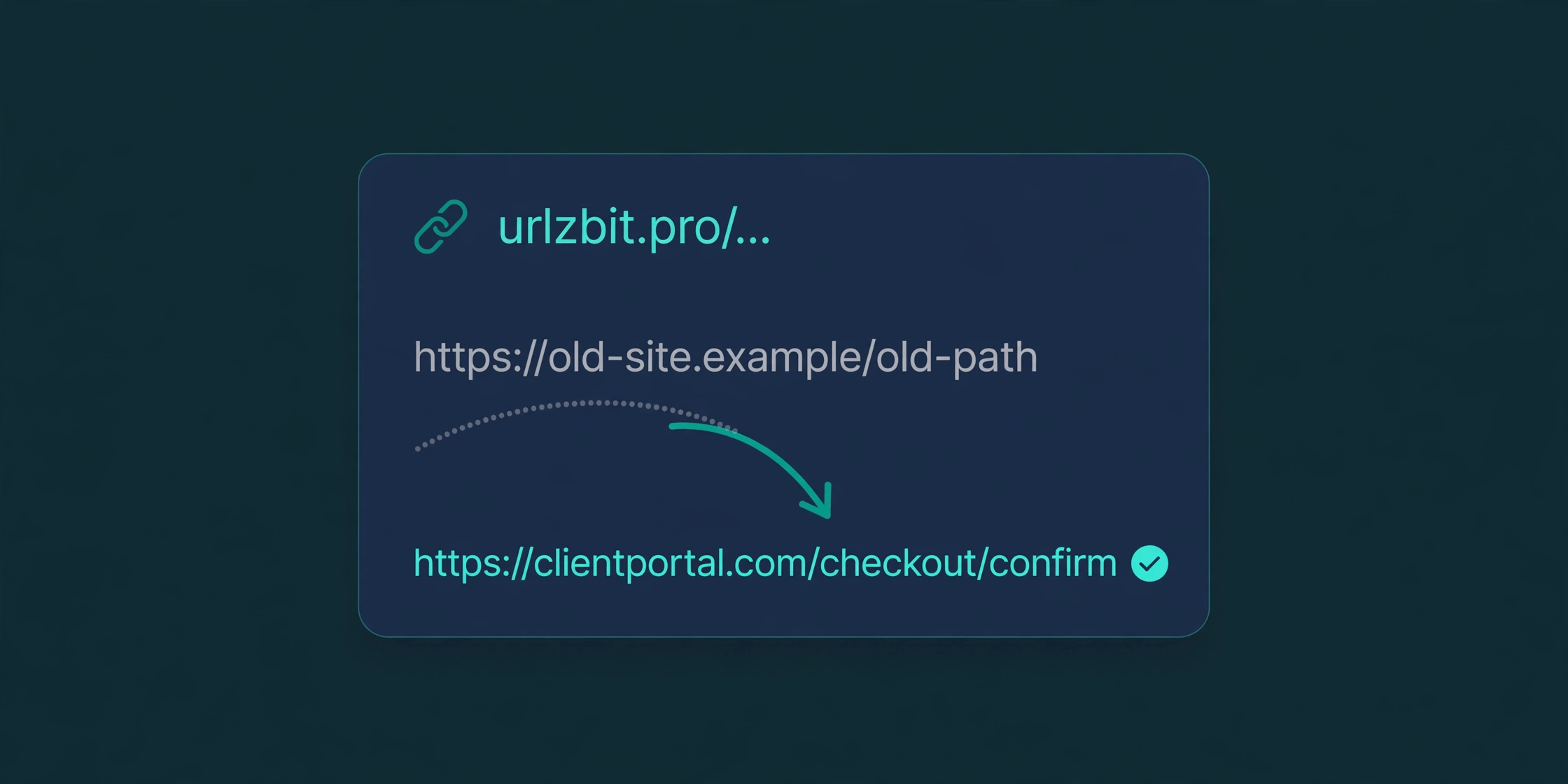
- Change the destination, not the code. If the menu page moves or you replace the PDF, edit the short link so it points to the new address. The printed QR code stays exactly the same, because the code points to the short link, and the short link points to wherever the menu lives now.
- Check the new destination before the lunch rush. Open the short link on your own phone and confirm the new menu loads. A link that opens the wrong page is worse than an out-of-date printed menu.
- Keep old shares working. The same short link keeps working for every table that already has the code printed, which is the whole advantage over reprinting.
Update the destination, not the code: How to Edit a Short Link Destination After Sharing It explains the steps in detail.
Track scans per table
Every scan of a QR code is a click on the short link behind it, and Urlzbit records clicks per link. That gives you a simple, honest picture of how the menu is used.
- Clicks per link. Each table's link has its own click record, so you can see which tables get scanned most.
- Country and device breakdowns. The analytics show where clicks come from and what kind of device opened the menu, which helps you check that the menu reads well on the phones your customers actually use.
- Scans are not people. One person can scan twice, and two people can share one phone. Treat the numbers as scans, not as a head count, and never promise yourself a customer count the data cannot support.
Measure what the codes do: How to Track QR Code Scans: A Practical Guide covers reading the numbers honestly, including what scan counts do and do not tell you.
What a QR menu cannot do
- It cannot take orders. A QR code opens a page. If your menu page is a PDF or a simple web page, customers read it and order the usual way. Ordering and payment only happen if the destination page itself supports them.
- It cannot work without internet. A customer needs mobile data or Wi-Fi to load the menu. If your dining room has weak signal, fix the Wi-Fi or keep a printed menu as a backup.
- It cannot identify the customer. Scans are anonymous clicks. A QR menu tells you how many scans a table got, not who scanned or what they ordered.
- It cannot replace a menu people can read. If your menu page is a blurry photo of a printed menu, the QR code delivers a blurry photo. The menu page itself has to be readable on a phone.
None of these are reasons to avoid QR menus. They are reasons to set expectations honestly and to keep a printed menu behind the counter for the customer whose phone is dead.
FAQ
Do customers need an app to scan a QR menu?
No. The camera app on a modern phone reads QR codes and opens the link in the browser. Nothing to install, and nothing for the customer to sign up for.
Can I change the menu after the QR codes are printed?
Yes. Edit the short link so it points to the new menu page. The printed QR code does not change, because it points to the short link, not to the menu file itself.
What happens if I delete the menu link?
Deleting a short link stops it working everywhere it was shared, so every table with that code would get a dead link. If a menu is only changing, edit the destination instead of deleting the link.
Can I use one QR code for the whole restaurant?
Yes, and it works. You lose the per-table scan counts, though, so you cannot tell which tables get scanned and which do not. One link per table costs nothing extra and gives you far more useful numbers.
Does the QR menu cost anything?
The menu page itself is yours to host. On Urlzbit, shortening the menu link and generating its QR code are free-plan features, and the free plan includes 100 saved links. Paid plans add more links and features, but a restaurant menu does not need them to work.
See the plans: Urlzbit pricing lists the free and paid plans, with no auto-renewal on any of them.