Guides
How to Delete a Short Link (and What Happens to Old Shares)
Deleting a short link moves it to Trash, and the short address stops working everywhere it was shared. That is the whole point of deleting — the address stops redirecting the moment you confirm, while the link's settings and click history s
By Urlzbit · · 9 min read
Updated November 14, 2026
Deleting a short link moves it to Trash, and the short address stops working everywhere it was shared. That is the whole point of deleting — the address stops redirecting the moment you confirm, while the link's settings and click history stay recoverable in Trash. Edit when the page behind the link is wrong. Delete only when you want the address itself to stop working.
When deleting a short link is the right call
Deleting stops the link working immediately, so it should be a deliberate choice, not a cleanup reflex. These are the situations where it is the right one.
- A campaign is dead and there is no replacement page: the sale ended, the event is over, the form closed, and nothing sensible exists to point the link at instead.
- The link was a mistake: a test link, a duplicate, or a link created with the wrong destination that nobody should ever open.
- The link went to the wrong audience: the short address was shared somewhere it should never have been, and the safest fix is to stop the address working entirely.
- Routine cleanup: old links from finished work cluttering your account, where no share of them is still in circulation.
One honest limit before you delete: removing the short address stops future clicks through that address. It does not erase copies of the long destination address that people already saved, bookmarked, or screenshotted. If the destination page itself must stop being reachable, that is a job for the page, not the link.
Before you delete: a 30-second check
Deletion is quick, but a half-minute pause avoids the most common regret — deleting a link that was still doing a job somewhere you had forgotten about.
- Where is the link still in circulation? Check your bios, pinned posts, email signatures, and printed material. A link you think is dead may still be the only way people reach a page from a flyer or a business card.
- Does a replacement page exist? If the answer is yes, editing the destination is the better move. The address keeps working, and nobody following an old share hits a dead end.
- Do you need the numbers first? Note the click total and any country or device breakdown you care about before deleting. Urlzbit keeps a trashed link's settings and click history recoverable in Trash, so the numbers are not lost the moment you confirm — but noting them down first costs nothing.
- Is this the right link? Short addresses can look alike, especially custom endings that differ by a word or two. Open the link and confirm it opens the page you mean to remove before you confirm the deletion.
How to delete a short link on Urlzbit
You can only delete links in your own Urlzbit account. A short link created in someone else's account cannot be deleted from your dashboard.
- Sign in to Urlzbit and open My links.
- Find the link you want to remove.
- Open the link's More options menu and choose Move to trash.
- Confirm by choosing Move to trash again when the "Move this link to trash?" dialog appears.
Deleting takes seconds, but treat the confirmation step as the real decision point. Once you confirm, the short address stops redirecting and the link moves to Trash. Its settings and click history stay recoverable there, so a mistaken deletion can be undone from Trash.
After deleting, open the short address yourself in a fresh browser tab and confirm it no longer takes you to the page. Check the places the link was shared, too: a bio, a post, or a printed code that still shows a dead address should be updated or removed so nobody follows it into a dead end.
What happens to your old shares
This is the part people underestimate. A short address is a single point of failure by design — every share of it leads through the same address, so deleting it breaks all of them at once.
- The short address stops working everywhere: every bio, email, social post, ad, and chat message carrying it now leads nowhere. Nobody who opens it reaches your page.
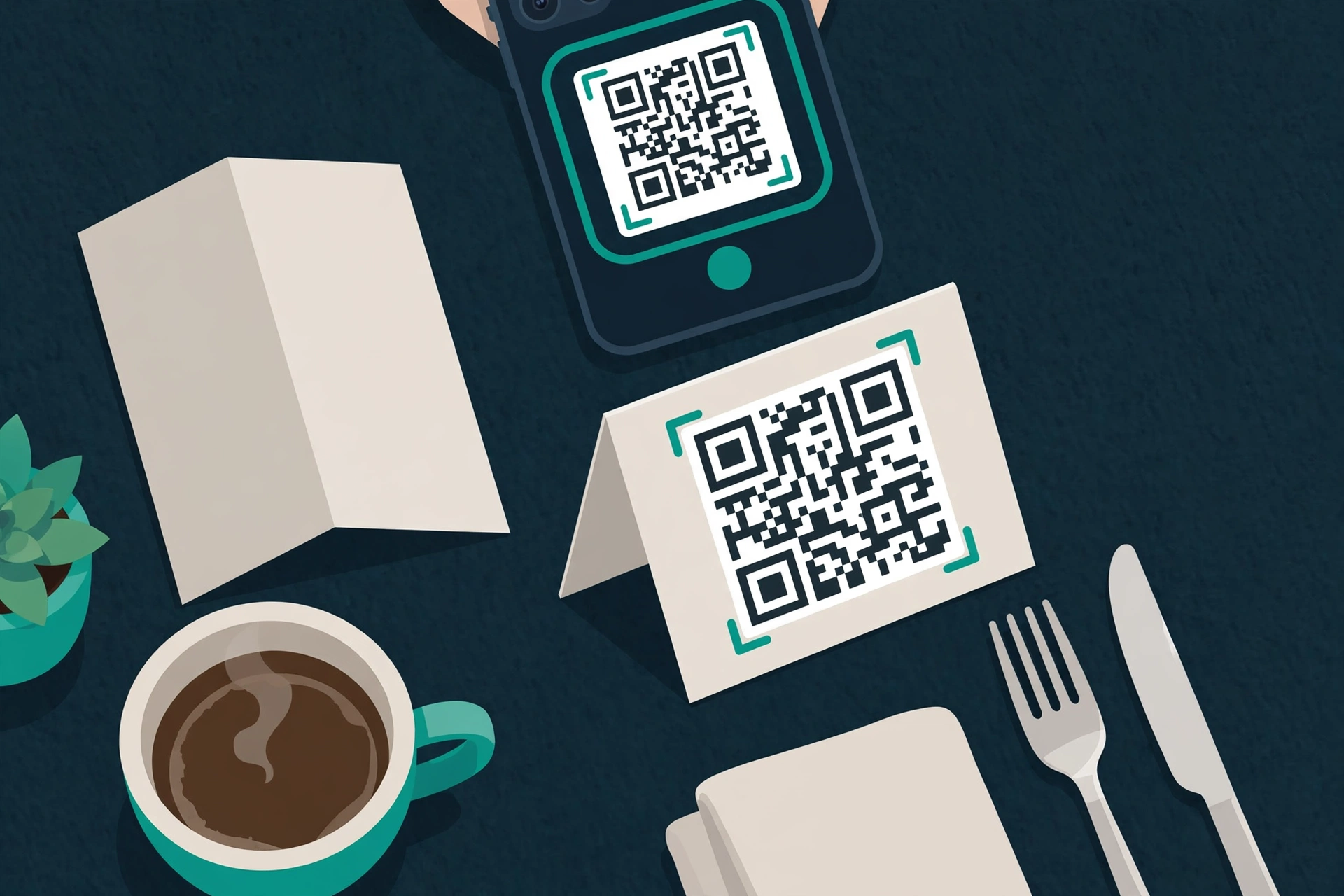
- Printed QR codes stop working too: a QR code generated from the short link encodes the short address, not the destination page. Delete the link and the printed code has nothing to resolve to.
- The destination page itself is untouched: deleting a short link does not delete the page it pointed to. The page still exists at its own address; only the shortcut to it is gone.
- The link moves to Trash: the short address stops redirecting, and the link leaves your active list. Its settings and click history stay recoverable in Trash.
- New shares need a new link: if you later want the same destination shared again, restore the trashed link from Trash if it is still there, or create a fresh short link for it and share the new address.
Delete vs edit vs expire: which to choose
Deleting, editing, and expiring solve three different problems, and picking the wrong one causes exactly the trouble you were trying to avoid.
- Delete the link: the short address stops working entirely. Use this when no replacement page exists and you want the address gone — a dead campaign, a mistake, or a link that should never have been shared. Editing guide: How to Edit a Short Link Destination After Sharing It explains the alternative in full.
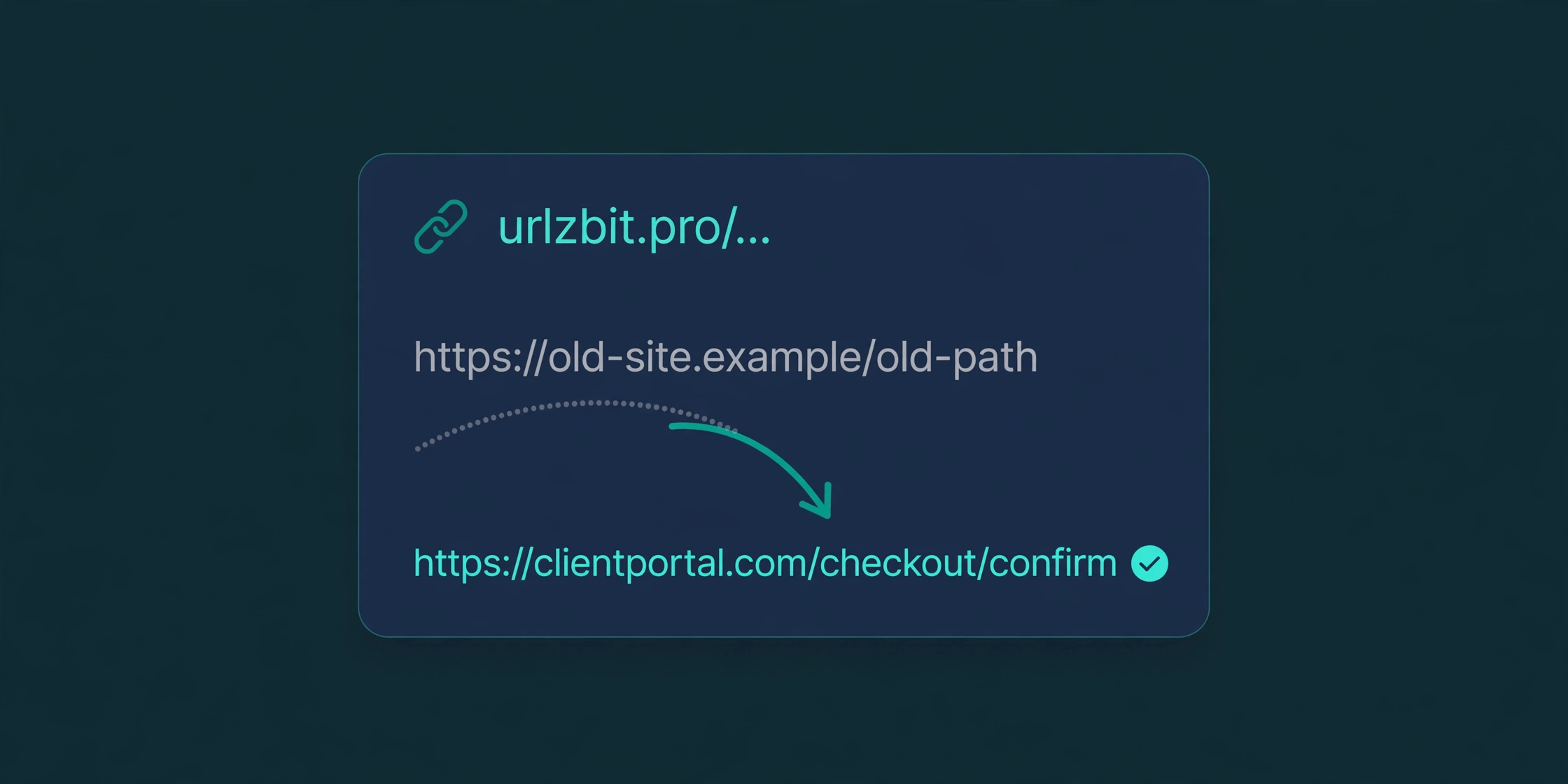
- Edit the destination: the short address stays the same and the page it opens changes. Use this when the page is wrong, moved, or outdated but the address is still in circulation and worth keeping. Editing fixes the content without breaking the address.
- Rename the link: the destination stays the same and the readable ending of the short address changes. Use this when the address itself is the problem — hard to read, misspelled, or off-brand — rather than the page behind it. Renaming guide: How to Rename a URL Link covers custom endings in detail.
- Let it expire instead: if the link only needs to stop working after a set date rather than right now, check the link's scheduling options before deleting. Scheduling controls when a link is active, while deleting moves the link to Trash and stops it redirecting right away.
The quick test: if a replacement page exists, edit. If the address itself is the problem, rename. If the link should stop working right now, delete — and remember it sits in Trash if you change your mind.
FAQ
Can I delete a short link after sharing it?
Yes, if you created the link in an account you control. Open it in your dashboard, delete it, and confirm. The short address then stops working in every place it was shared.
Does deleting a short link delete the destination page?
No. The destination page still exists at its own address. Deleting only removes the shortcut that pointed to it.
Can I undo a deletion?
Yes — Urlzbit moves deleted links to Trash instead of erasing them outright, and its own confirmation states that settings and click history stay recoverable there. Open Trash in your dashboard to get a deleted link back.
Will deleting a short link break my QR code?
Yes, if the QR code was generated from that short link. The printed pattern encodes the short address, so once the link is deleted the code leads nowhere. If you only need the code to point somewhere new, editing the destination instead of deleting keeps the printed code working.
Should I delete or edit a link for a finished campaign?
Edit it if a replacement page exists and the link is still in circulation — point it at the current offer or an archive page. Delete it only when no replacement makes sense and you want the address to stop working entirely.
Does deleting free up space on my free plan?
A deleted link moves to Trash and stops redirecting. The free plan allows 100 saved links, so deleting links you no longer need keeps the active list tidy. Confirm the count in your dashboard after deleting. Plans: Urlzbit pricing lists what each tier includes.
Can I delete a link someone else created?
No. Only the account that owns the link can delete it. If you do not control the link, ask its owner, or share a new link of your own.
Does deleting one link affect my other links?
No. Deletion is per link. Your other short links keep working exactly as before, with their own destinations and records untouched. That is also why a wrong-link deletion is so easy to miss — nothing else breaks, so the only sign is the one dead address.
The short version
A shared short link is not frozen, but deleting one stops it working at once. If you control the link, you can move it to Trash in under a minute — and every share of that address stops redirecting, including printed QR codes. The link itself stays recoverable in Trash. Edit when the page is wrong, rename when the address is wrong, and delete only when the link should stop working. Getting started: Create, Share and Track Short Links walks through the full link workflow from creation to analytics, and What Is a URL Shortener? What Is a URL Shortener? How Short Links Work explains what sits behind every short address.