Guides
Dynamic QR Codes: Change the Destination Without Reprinting
A dynamic QR code is a QR code you can update after it is printed. The printed pattern never changes, but the page it opens can. That one difference decides whether a poster, a menu, or a product label stays useful for years or becomes wast
By Urlzbit · · 11 min read
A dynamic QR code is a QR code you can update after it is printed. The printed pattern never changes, but the page it opens can. That one difference decides whether a poster, a menu, or a product label stays useful for years or becomes waste the first time a link moves.
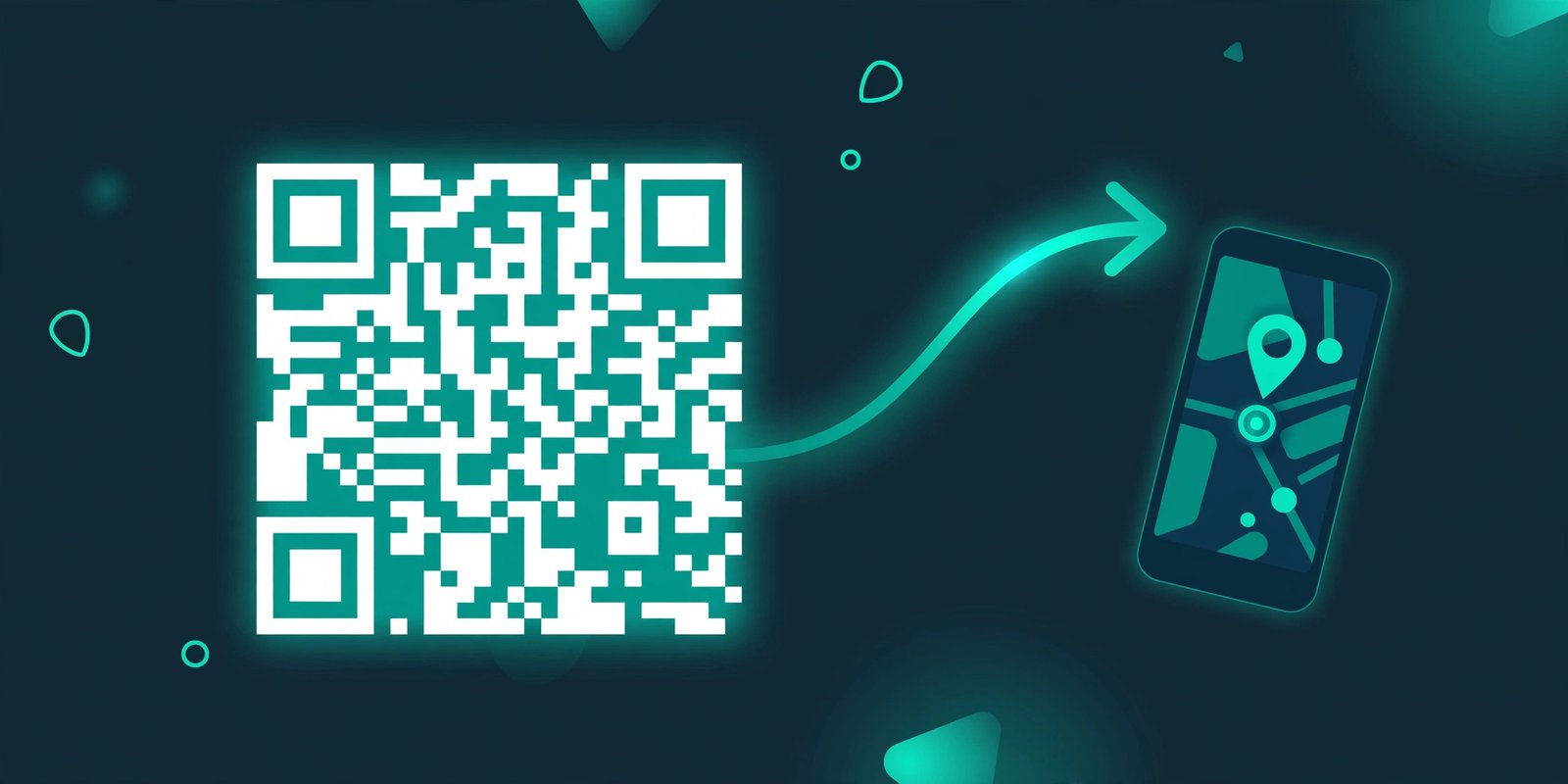
The trick is simple: a dynamic QR code does not store your final web address inside its black-and-white pattern. It stores a short redirect address instead. When someone scans it, that short address looks up the current destination on the provider's server and forwards the phone there. Change the destination in your dashboard, and every printed copy points somewhere new — no reprint, no new artwork, no stickers over the old code.
Static vs dynamic QR codes in plain words
A static QR code stores the destination itself — the full web address, a Wi-Fi password, a contact card — directly inside the pattern. The moment you generate it, the content is locked in. Scan it ten years later and it still opens exactly what was encoded on day one. That permanence is also its limit: if the address changes, the only fix is a new code and a new print run.
A dynamic QR code stores a managed short link instead. The destination lives in a database, not in the pattern, so it can be swapped at any time. The scan also passes through the provider's server, which is what makes scan counting possible — the redirect can record that a scan happened, along with the country and device it came from.
- Static QR code: the destination is baked into the pattern. It works forever as printed, needs no server in the middle, and cannot be edited or tracked.
- Dynamic QR code: the pattern holds a short redirect address. The destination is editable, scans are countable, and the code depends on the redirect service staying online.
- The quick test: scan a code and look at the address before opening it. If you see the final destination address, it is static. If you see a short address that then forwards you on, it is dynamic.
Neither type is better in every situation. A static code is the right call when the encoded value will never change — a Wi-Fi password for a guest network, a contact card, a link to a page on your own domain that you control and will keep live. A dynamic code is the right call when the destination might change, when you need to know how often it gets scanned, or when the printed material will outlive the campaign it was made for.
How a dynamic QR code works on Urlzbit
Every QR code Urlzbit generates for a link is dynamic in this sense: the code points to the managed short link, not to the final page. That is what makes the destination editable after printing.
When you create a short link on Urlzbit, the free plan includes a QR code for that link. The printed code encodes the short address, and the short address forwards to whatever destination you set. Update the destination on the link, and the same printed code opens the new page. The steps for changing the destination are covered in detail in the guide on changing a QR code destination after printing — the short version is that you edit the link, not the code.
- One link per placement: create a separate short link for each printed item — one for the poster, one for the packaging, one for the receipt. Each gets its own QR code, and each one's scans are counted separately, so you can see which placement actually gets used.
- Scan counting comes free with the redirect: because every scan passes through the short link, Urlzbit's per-link analytics record it. The count shows scans per link, plus the country and device breakdowns that come with the link's click record.
- Deleting the link breaks the code: a dynamic code is only as durable as the short link behind it. Delete the link and every printed copy stops resolving. Edit the destination instead of deleting, and keep the link record for as long as the printed material exists.
When a dynamic QR code is worth it
Dynamic codes pay for themselves on anything printed in volume or meant to last — the reprint you avoid is worth far more than the minutes it takes to set one up.
- Print runs: flyers, posters, packaging, business cards, and storefront signs. A typo in the destination, a moved page, or a campaign that ends can all be fixed from the dashboard instead of the print shop.
- Long campaigns: a code on a product that ships for a year, or a sign that stays on a wall for a season. The offer behind it can change with the calendar while the printed code stays the same.
- Seasonal swaps: the same poster can point to a spring sale in March and a summer menu in June. One print run, several destinations over its life.
- Fixing mistakes after print: a wrong address discovered after the boxes are already printed is a reprint with a static code and a thirty-second edit with a dynamic one.
- Measuring print at all: a static code tells you nothing about whether anyone scanned it. A dynamic code's scan count is the only honest answer to the question of whether the print placement is working.
When a static QR code is the better choice
Dynamic is not the default for everything. Static wins when the encoded value is fixed and you want zero dependence on any service.
- The destination will never change: a link to a stable page you own, a Wi-Fi network, or a contact card. There is nothing to edit, so the editable layer adds nothing.
- You want no middleman: a static code works without contacting a provider's server. If the provider ever closed or changed its terms, a static code keeps working.
- You are printing something permanent: an engraved sign, an etched plaque, a code cast into a product. The code should outlive any account or subscription.
There is also a middle path worth knowing: a static code that points to a short link or a page on your own domain. The encoded address never changes, but the page behind it can. That gives you some of the flexibility of a dynamic code without depending on a QR provider — as long as you control the address and keep it live.
What a dynamic QR code cannot do
The editable layer is powerful, but it has hard limits. Knowing them before you print saves an awkward discovery later.
- It cannot identify who scanned it: scan counts are counts of scans, not counts of people. The same person scanning twice looks like two scans, and nothing in the scan tells you a name, an email address, or a phone number.
- It cannot change the short address itself: you can change where the short link points, but not the short link. Renaming the slug would redraw the pattern, and every printed copy would stop working.
- It cannot fix a code you do not control: a dynamic code from another provider can only be edited in that provider's account. If you cannot get into the account, the code cannot be updated — reprinting is the only option.
- It cannot work if the redirect service is gone: the code depends on the short link staying live. If the service stops forwarding — the account closes, the link is deleted, the provider shuts down — every printed copy leads to an error instead of your page. Keep the account and the link alive for the lifetime of the material.
- It cannot make a bad destination good: a dynamic code forwards the scanner exactly where you point it. If the destination page is slow, broken on mobile, or irrelevant, the code faithfully delivers people to a bad experience.
Dynamic QR codes and Urlzbit's plans
The QR code itself is available per link on the free plan, which includes 100 saved links and 10,000 clicks per calendar month. Each link you create can have its own QR code, its own custom ending, and its own scan record.
The features that make dynamic codes most useful in campaigns — country, device, and language routing, weighted A/B destinations, and the Developer API — sit on the Pro plan at $9 per 30 days, with no auto-renewal. A code that routes scanners to different pages by country or device is still one printed code; the routing happens at the redirect, after the scan.
- Free plan: QR code per link, custom endings, scan counts per link, destination editing.
- Pro plan: routing rules, A/B destinations, bulk link creation, and API access for generating codes at scale.
- Business plan: the same tools with a 50,000-link allowance for larger print operations.
Frequently asked questions
Can I change a dynamic QR code's destination after printing?
Yes. That is the whole point of a dynamic code. The pattern encodes a short redirect address, and you change the destination that address points to in your dashboard. The printed code stays exactly as it is. The step-by-step for Urlzbit links is in the guide on changing a QR code destination after printing.
How do I know if a QR code I already printed is dynamic or static?
Scan it with a scanner that shows the encoded address before opening it. If the address is a short link that forwards you to the destination, the code is dynamic. If the address is the final destination itself, the code is static and cannot be edited. If you still have the original export or the provider dashboard, that will also tell you which type it is.
Do dynamic QR codes expire?
The QR code format itself has no expiry date. What expires is the service behind it: a dynamic code stops working if the short link is deleted, the account closes, or the provider stops forwarding. A static code has no such dependency, which is why it is the safer choice for anything meant to outlive an account.
Can a dynamic QR code track who scans it?
No. It can count scans and record the country, device, and time of each scan, but it cannot identify the person scanning. Scan counts are not a count of individual people, and no QR code can collect a name or contact details on its own.
Is a dynamic QR code better than a static one?
For most business and marketing uses, yes — editability and scan counting matter more than the independence a static code offers. But for fixed values like Wi-Fi details or a permanent sign, static is simpler and has no dependency on a provider. Choose by how long the printed item will live and whether its destination might change.
Can I make a dynamic QR code free?
Yes. Urlzbit generates a QR code for every link you create, including on the free plan, and the destination behind that code stays editable. Paid QR services often charge a monthly fee for the same editability — compare what you actually need before paying for it.
The short version
A dynamic QR code stores a short redirect address in its pattern and keeps the destination on a server, so you can change where it points and count scans without reprinting. A static code stores the destination in the pattern itself: permanent, independent, unchangeable. Print dynamic when the destination might change or you need scan counts. Print static when the value is fixed forever. And whichever you print, scan the actual poster, box, or card before the run goes out — the code on the paper is the one your audience will use.
Keep exploring: Change a QR Code Destination After Printing · How to Track QR Code Scans · See Urlzbit pricing