Guides
How to Make a Web Address Smaller (and Why Shorter Links Get More Clicks)
A long web address is a small problem that shows up everywhere. It wraps across lines in a message, eats the space in a post, looks suspicious in an email, and cannot be printed on a poster or read out loud at all. Making it smaller fixes a
By Urlzbit · · 10 min read
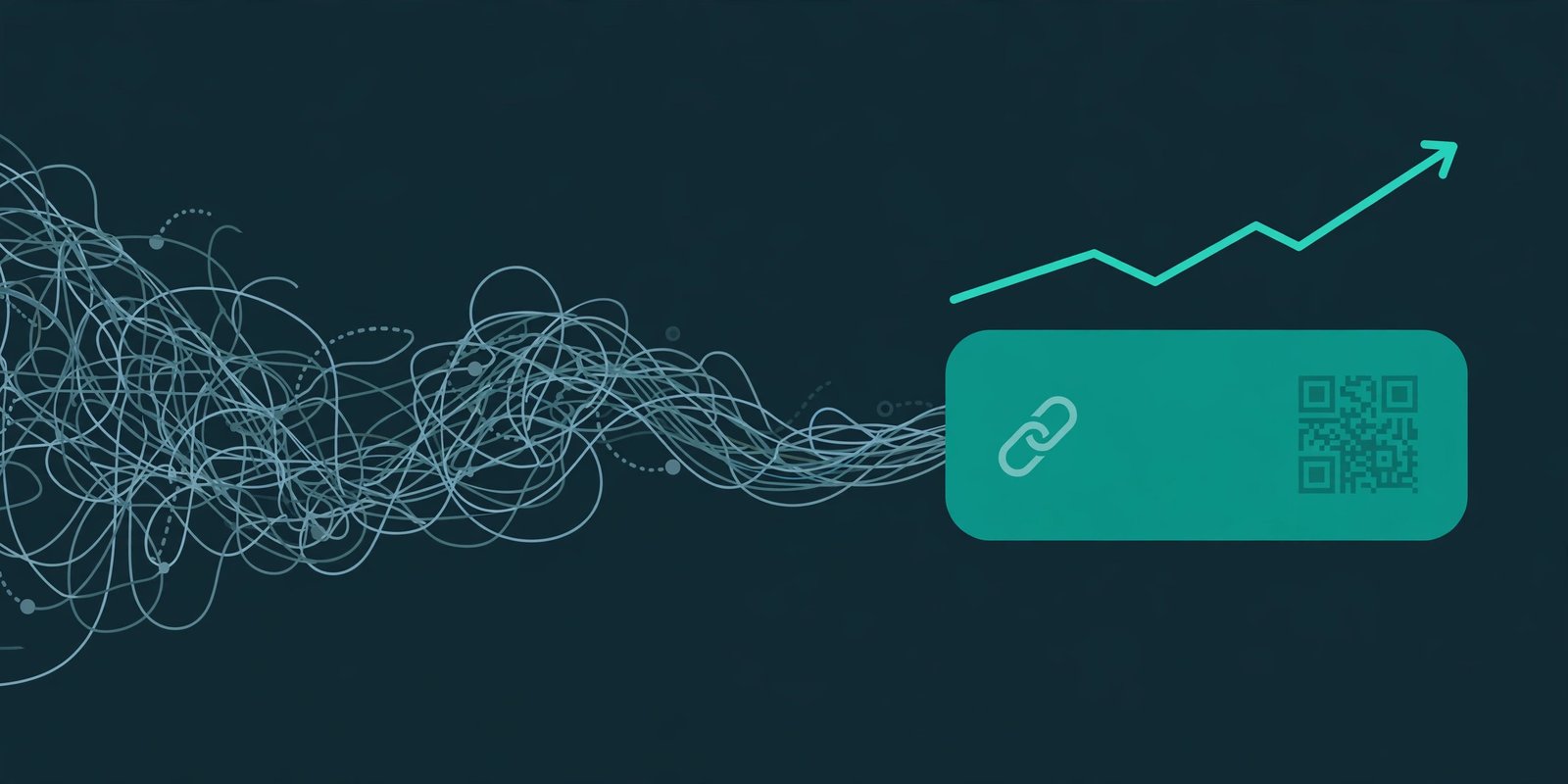
A long web address is a small problem that shows up everywhere. It wraps across lines in a message, eats the space in a post, looks suspicious in an email, and cannot be printed on a poster or read out loud at all. Making it smaller fixes all of that at once: you replace the long address with a short, readable one that sends people to the exact same page.
A smaller address gets more clicks for a simple reason. People click what they can read and trust. A short address with a readable ending tells the reader something about where they are going before they click. A long string of random characters tells them nothing, and on a platform where everyone has learned to be suspicious of links, nothing is not good enough.
This guide covers why long addresses cost you clicks, the three kinds of smaller, how to shrink an address free on Urlzbit, and the situations where you should leave a long address alone.
Why long web addresses cost you clicks
A long address does not just look messy. It quietly works against every share, in four specific ways.
- It looks untrustworthy. A long address full of tracking parameters, session codes, and random characters reads like a link to avoid. Readers cannot tell where it leads, so many of them do not click at all. A short address with a readable ending is a small trust signal, and trust is what turns a view into a click.
- It breaks in messages and email. Long addresses wrap across lines in chat apps and some email clients, and a wrapped link can look broken even when it still works. A short address stays on one line and looks deliberate.
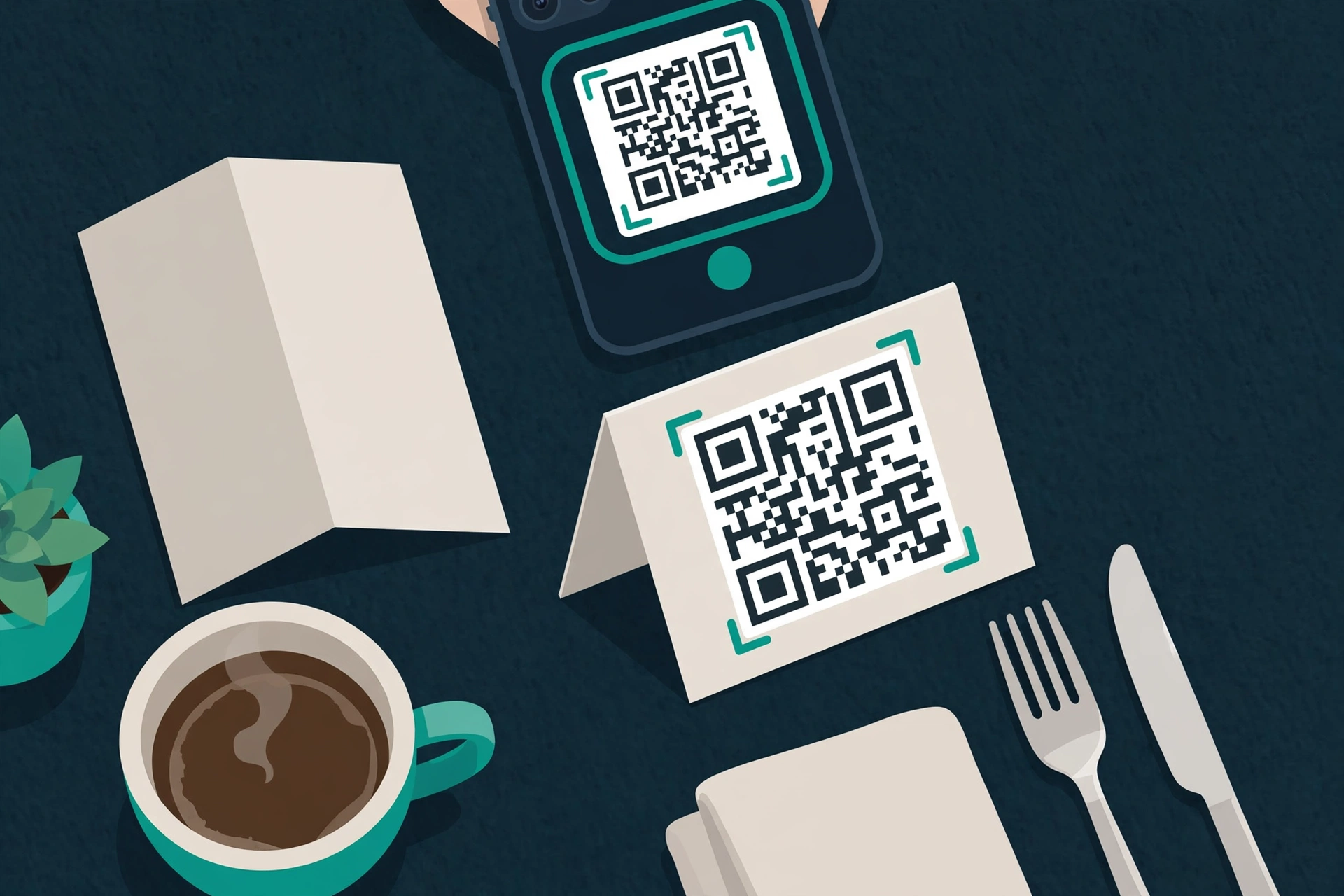
- It cannot be printed or spoken. Nobody types a long address from a poster, a business card, or a menu, and nobody reads one out loud in a video or on a call. If the address has to leave the screen, it has to be short. Pairing it with a QR code covers the people who would rather scan than type.
- It hides what the link is about. A long address says nothing about its destination. A short address with a custom ending can say the topic in a word or two, which helps the reader decide the click is worth it before they make it.
None of this means every long address is a problem. A long address in a browser's address bar, where the reader is already on the page, harms nothing. The cost appears when the address has to travel: in a post, a message, an email, or print.
If you want the full background on how short links work, start here:
- The basics: What Is a URL Shortener? How Short Links Work
Shorter, branded, or custom: what kind of smaller do you need?
Making an address smaller is not one thing. There are three kinds, and picking the right one matters more than the shrinking itself.
- Shorter: the address is simply compact. A long address becomes a short one on a shortener's domain, with a random or short ending. This is the fastest fix, and it is all most shares need. The reader sees a short address and nothing more.
- Branded: the address is short and readable. You replace the random ending with a word or two that describes the destination, such as a product name or a campaign word. The reader can guess where the link goes before clicking, which is why branded endings tend to earn more clicks than random ones. On Urlzbit, custom endings are a free-plan feature.
- Custom domain: the address lives on a domain you own, instead of the shortener's domain. This is a different feature from a custom ending, and it is the most branded option of the three. It is also the option that needs the most setup, because the domain itself has to be configured. Do not confuse a custom ending with a custom domain when comparing tools: a custom ending changes the words after the slash, while a custom domain changes the address before it.
For most people, branded is the sweet spot. It costs nothing extra on Urlzbit's free plan, it reads better than a random string, and it keeps the address short enough for every channel. A plain shorter link is fine for a throwaway share. A custom domain is worth considering only when every link you publish has to carry your own brand in the address itself.
Two companion guides go deeper on the branded side:
- Custom endings in practice: How to Rename a URL Link (Custom Slugs That People Actually Click)
- Vanity URLs explained: What Is a Vanity URL? How Custom Short Links Work
How to make a web address smaller on Urlzbit
Making an address smaller on Urlzbit takes under a minute, and the free plan covers it. The steps are the same for any long address: a product page, a form, a video, or a document link.
- Paste the long address: copy the full web address and paste it into Urlzbit. The original address stays the destination; nothing about the page itself changes.
- Choose a readable ending: replace the random ending with a short, readable word that says what the page is. Keep it short, keep it readable, and keep it consistent with the words your audience already uses.
- Save the link: keep it in your free account so you can find it again, edit the destination later, and see how many clicks it gets. A link you cannot find again is a link you cannot fix.
- Share it or print it: copy the short address wherever the audience will see it. Every link gets its own QR code, so a printed version can be scanned instead of typed.
What the free plan includes:
- Free saved links: 100 saved links on the free plan
- Free clicks: 10,000 clicks per calendar month
- Custom endings: choose a readable ending for your link instead of random characters
- QR code per link: every link gets its own QR code for print
- Password protection: add a password to a link when it should not be public
- Scheduling: set links to start or stop at a time you choose
- Google sharing: share links through Google's sharing options
For a step-by-step walkthrough of creating, sharing, and tracking a link, see:
- Step-by-step guide: How to Create, Share and Track a Short Link with Urlzbit
And if you want every free method compared, not just the Urlzbit one, the pillar guide covers them all:
- Every free method: How to Shorten a Link: Every Free Method That Actually Works
When not to shorten a web address
Shorter is usually better, but not always. There are four situations where leaving the long address alone is the right call.
- When the full address is the proof. In a formal document, a citation, or a message where the reader needs to see exactly which site they are visiting, the full address is evidence. A short link hides the destination, and in those contexts hiding it costs you trust instead of earning it.
- When the audience does not know you yet. Strangers are rightly cautious about short links from people they do not know. If you are reaching out cold, a full address to a recognizable domain can be more credible than a short one. A readable custom ending helps, but it does not fully close the gap with a stranger.
- When the destination is sensitive. A short link to a login page, a payment page, or a private document should give the reader pause, and it should give you pause too. Shorten only links to pages you stand behind, and never shorten a link to mask where it really goes.
- When the link must outlive the tool. A short link depends on the shortener staying in business and keeping your link alive. For an address that has to work for years in a printed book or a legal document, the original address, or a link on a domain you control, is the safer bet. If a short link matters enough to print, it matters enough to keep in an account on a tool whose terms you have read.
The rule is simple. Shorten when the address has to travel and be clicked. Leave it long when the address itself has to prove something.
FAQ
Does making a web address smaller change where it goes?
No. Making an address smaller creates a short address that redirects to the original one. The destination page, its content, and its permissions stay exactly as they were. If the destination moves, you need to edit the short link in your account or create a new one.
Will a shorter link get more clicks?
Usually, yes, and for reasons you can see rather than numbers you have to take on faith. A shorter address is easier to read, easier to trust, easier to share, and possible to print or speak. A readable custom ending adds one more advantage: the reader knows what they are clicking before they click. No honest guide can promise you a specific uplift, because the result depends on your audience and your channel, but removing the friction a long address creates is a real improvement.
Can I make a web address smaller for free?
Yes. Urlzbit's free plan covers 100 saved links and 10,000 clicks per calendar month, with custom endings and a QR code for every link. Paid plans exist for heavier use: Pro is $9 per 30 days and Business is $29 per 30 days, with a $149 one-time Lifetime Pro option, and none of them auto-renew.
- Plans and pricing: Urlzbit pricing
What is the difference between a short link and a vanity URL?
A short link is any compact address that redirects to a longer one. A vanity URL is a short link with a readable, branded ending chosen on purpose, such as a product name instead of random characters. Every vanity URL is a short link, but not every short link is a vanity URL. The branded ending is what makes the difference, and it is the part that earns the extra trust.
Does shortening a link change its permissions?
No. Shortening does not change who can open the destination. A link to a private document stays private, and a link to a public page stays public. If the destination needs a login or permission, the short link will need it too.
The short version
A long web address costs clicks because it looks untrustworthy, breaks in messages, and cannot be printed or spoken. Making it smaller fixes all three, and a readable custom ending adds trust on top. Choose the branded version when the link matters, keep it in a free account so you can edit and measure it, and leave the address long when the address itself has to prove where it goes.