Guides
What Is a Vanity URL? How Custom Short Links Work
A vanity URL is a short, custom, human-readable web address built around your brand name, a keyword, or a campaign — designed to replace a long, forgettable link with one people can see, remember, and trust. The "vanity" in the name makes i
By Urlzbit · · 10 min read
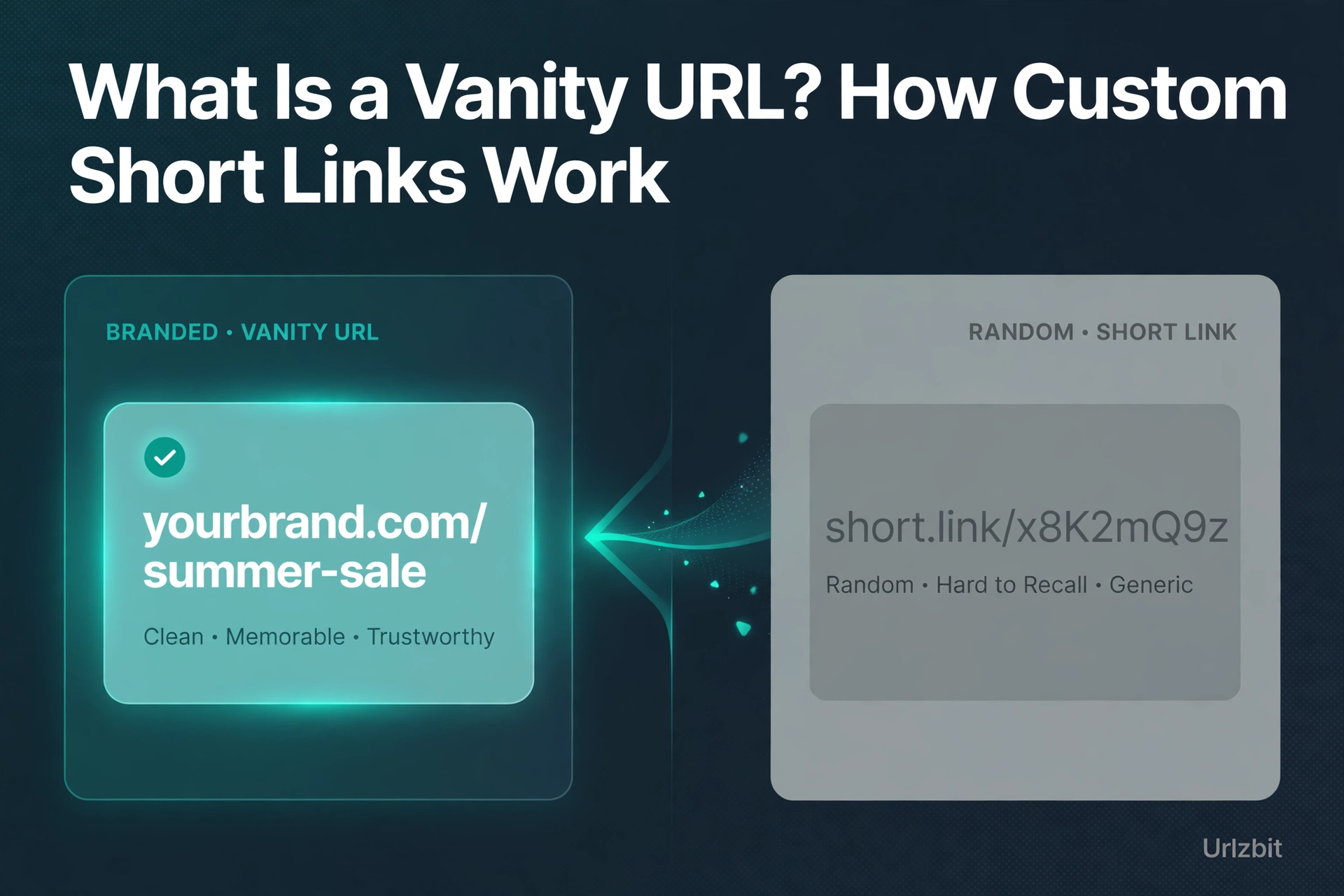
A vanity URL is a short, custom, human-readable web address built around your brand name, a keyword, or a campaign — designed to replace a long, forgettable link with one people can see, remember, and trust. The "vanity" in the name makes it sound cosmetic, but a good vanity URL is a functional marketing tool: it gets typed from memory, read aloud on podcasts, and printed on packaging without breaking.
What Is a Vanity URL?
A vanity URL is a custom web address — typically short, clean, and brand-consistent — that replaces a long, opaque, or automatically generated URL with a human-readable alias. Instead of sharing a link like this:
shop.platform.com/products?category=summer&promo=SALE2026&ref=emailcampaign&utm_source=email
You share one like this:
go.yourbrand.com/summer-sale
Behind the scenes it is just a redirect: the vanity URL points to the real destination, usually with a permanent 301 redirect, and visitors land on the true page without noticing the detour. The term "vanity" reflects that these URLs are designed for human perception rather than technical function — they are meant to be seen, remembered, spoken, and typed. That is the standard definition used across link-management platforms and marketing guides, and it is the definition this guide uses throughout.
How a Vanity URL Works
The mechanics are simple, and you do not need to understand servers to use one:
- You pick the alias. A readable word or phrase — summer-sale, demo, careers, press — replaces the auto-generated string of random characters.
- It redirects to the real page. A permanent 301 redirect sends visitors (and any link authority) to the destination URL. The visitor sees the clean address in their browser for a moment, then lands on the real page.
- Search engines are not confused. Because the redirect is a 301, search engines do not index the vanity URL itself; your real, ranking page keeps its SEO value. A vanity URL never replaces your canonical page — it is a pointer, not a duplicate.
- You keep the tracking. The redirect can point to a destination that already carries UTM parameters, so campaign attribution survives the prettying-up. If the vanity URL runs through a link manager like Urlzbit, clicks, countries, and devices are counted on top.
Vanity URL vs Regular Short Link
These two are not the same thing, and the difference is the whole point:
- A regular short link is just short. It compresses a long URL into a handful of random characters. It saves space, but it says nothing — nobody can tell where it goes or who made it.
- A vanity URL is short and meaningful. It carries your brand, a keyword, or a campaign name, so it is recognizable before anyone clicks. That preview does trust work: a readable link gets more confidence than a random string.
In practice the concepts overlap heavily. Every branded short link is a vanity URL, but not every vanity URL is a short link — the term also covers CMS path aliases (yourblog.com/welcome-guide), domain redirects, and custom URLs on social profiles. What matters for this guide is the marketing use case: a short, readable, trackable address you control.
Vanity URLs vs Branded Domains
People often mix these two up, so here is the clean separation:
- A branded domain is the underlying custom domain itself — go.yourbrand.com — the part you register and configure DNS for.
- A vanity URL is the full custom address built on it — go.yourbrand.com/summer-sale — domain plus a readable slug.
You can have one without the other. A short link with a custom ending on a shared domain (urlzbit.pro/summer-sale style) is a vanity URL without your own branded domain. A random-character link on your own domain is a branded domain without a vanity slug.
Honesty check on where Urlzbit sits: Urlzbit gives you custom endings — the readable slug part — on the free plan, and offers personal redirect branding as an additional feature (check the pricing page for current details). It does not currently document a bring-your-own custom domain option, so if having your own domain in every link is a hard requirement, you need a shortener built around custom domains. If what you actually need is a readable, memorable, trackable link, Urlzbit's custom endings cover the job for free.
Why Brands Use Vanity URLs
Brands do not create vanity URLs to be fancy. They create them for the places where a raw URL fails:
- Print materials. A URL on a brochure, poster, business card, or product packaging must be short enough to type and descriptive enough to motivate typing. Long URLs in print are effectively useless; vanity URLs in print are actionable.
- Spoken aloud. Podcasts, radio, videos, presentations, and phone conversations run on URLs that can be said and remembered. "Go to urlzbit.pro/demo-guide" works; a tracking URL with seventeen parameters does not.
- Social bios and captions. Profile links and post CTAs need to be short, clean, and brand-consistent. A vanity URL serves all three at once.
- Email signatures. A link that appears in every message you send benefits from being clean and readable rather than a platform-generated tangle.
- Trust before the click. A vanity URL is the first thing people see before they click. A readable, brand-consistent address gets more confidence — and more clicks — than a random string that could point anywhere.
One measured caveat, especially for audio ads: advertisers report that only a minority of listeners actually type the vanity URL they hear — many search the brand name or navigate directly instead. Treat a vanity URL's click count as a floor for response, not the full picture, and pair it with promo codes or landing-page attribution if you need exact numbers.
How to Create a Vanity URL Free on Urlzbit
On Urlzbit, a vanity-style URL is a short link with a custom ending — and custom endings are a free-plan feature. Here is the whole process:
- Sign up for the free plan. You get 100 saved links and 10,000 clicks per calendar month, which is plenty for testing vanity URLs across campaigns.
- Paste your destination URL. Product page, landing page, video, document — anything, including URLs already carrying UTM parameters.
- Replace the auto-generated ending with your alias. Instead of random characters, type something readable like summer-sale, demo, or pricing-guide. Keep it short and lowercase.
- Layer on extras if you want. Password protection, click scheduling, and a QR code for the same link are all available on the free plan.
- Share it everywhere the raw URL would fail. Print, bios, slides, email signatures, podcast show notes.
- Watch the analytics. Every click is counted with country, device, and referrer breakdowns, so your vanity URL doubles as a campaign tracker.
For the full walkthrough of creating and managing links, see the Urlzbit starter guide: How to create, share and track a short link. If you want to combine a vanity alias with access control, the password guide shows the combo: How to password-protect a link. Full plan limits live on the pricing page: Urlzbit pricing.
Vanity URL Best Practices
A bad vanity URL is worse than a random short link — it promises memorability and fails to deliver. Keep these rules:
- Keep it short. Every extra word is a chance to mistype. Two or three syllables beat a full sentence.
- Use real words that describe the destination. summer-sale, demo, careers, report-2026. If the slug does not hint at what is behind it, the vanity is wasted.
- Use lowercase only. Mixed case works technically, but lowercase is what people will type from memory — and it avoids case-confusion when the URL is spoken.
- Avoid lookalike characters. 0/O, 1/l, 5/S are typing-error magnets. Skip them.
- Stay consistent with your naming. If one campaign uses launch-offer, the next should follow the same pattern, not a totally different style. Consistency builds the mental shortcut.
- Reserve vanity URLs for links you actively promote. If a link is already short and recognizable, changing it again adds nothing — and every new alias is a redirect you have to maintain.
- The say-it test. Read the URL aloud. If you cannot say it naturally in one breath, or a listener would need it spelled, it is not memorable enough.
FAQ
Do vanity URLs hurt SEO?
No. They run on permanent 301 redirects, which tell search engines the vanity address is just a pointer to the real page. The destination keeps its ranking value, and search engines do not index the vanity URL itself. What can hurt is the opposite mistake — treating a vanity URL as your canonical page instead of a redirect.
What is the difference between a vanity URL and a branded domain?
The branded domain is the custom domain (go.yourbrand.com). The vanity URL is the full readable address built on it (go.yourbrand.com/summer-sale). You can have a vanity URL without your own branded domain — for example, a custom-ending link on Urlzbit's domain.
Can I create a vanity URL for free?
Yes. Urlzbit's free plan includes custom link endings — the readable slug that makes a link a vanity URL — along with 100 saved links, 10,000 clicks per month, QR codes, and password protection. Paid plans add higher limits, routing, and API access, but the vanity part costs nothing.
How long should a vanity URL be?
As short as it can be while still describing the destination. Aim for one to three short words. If it needs a hyphen to stay readable, that is fine; if it needs four hyphens, it is too long.
Should every link get a vanity URL?
No. Vanity URLs earn their keep on links you actively share and promote — campaigns, print, audio, bios. Links that live quietly inside your own site or app do not need them.
Vanity URL vs custom short link — is there a difference?
In everyday marketing use, no meaningful one. "Custom short link" is what link shorteners call the feature; "vanity URL" is the broader industry term for the same readable-alias concept. If you want the step-by-step on the feature itself, the starter guide linked above covers it.
The Bottom Line
A vanity URL is a small thing with an outsized job: make a link human-readable so it can travel through print, speech, and memory — not just through a tap. The definition is simple, the mechanics are a plain 301 redirect, and the SEO risk people worry about does not exist. Where brands go wrong is creating too many of them, or treating the click count as the whole story.
Start with one campaign link, give it a readable ending, and put it somewhere your raw URL could never survive — a podcast, a flyer, an email signature. Urlzbit's free plan includes custom endings, so the experiment costs nothing: try it free at Urlzbit and see whether a link people can actually remember changes how your campaign performs.
Further reading: the concept in more depth from Cuttly's encyclopedia entry: Vanity URL — Definition, Examples and How It Differs from a Branded Link, and Neil Patel's guide: Vanity URLs: Definition, Uses, and Setup.