Guides
How to Shorten a Spotify Link (Songs, Playlists, and Artist Pages)
A Spotify link is long, forgettable, and hard to trust at a glance. It wraps awkwardly in a message, eats characters in a post, and tells the person clicking it nothing about where they are going. Shortening that link fixes all three problems, and if you do it the right way, it also tells you which shares actually got clicks.
By Urlzbit · · 9 min read
This guide explains how to shorten a Spotify link for a song, a playlist, or an artist page, how to share the short version in bios and stories, and how to track which shares worked. It does not promise anything Spotify itself does not do, and it does not claim a Spotify integration, because Urlzbit has none. It simply puts a short, readable, trackable link in front of an ordinary Spotify address.
Why Spotify links need shortening
A Spotify share link starts with open.spotify.com, followed by the type of thing you are sharing and a long string of characters. A song link looks like open.spotify.com/track followed by its ID, a playlist link follows the same pattern with playlist in place of track, and an artist page uses artist in the same position. The pattern is consistent, but the result is not something anyone will type, remember, or read with confidence.
Shortening solves the practical problems first:
- It fits where long links do not. Bios, captions, and posts all have limited room, and a short link leaves that room for the words that actually persuade someone to listen.
- It reads as intentional. A short link with a readable ending, such as a song title or a playlist name, looks like something a person chose to share. A raw string of characters looks like something copied by accident.
- It can be tracked. A managed short link keeps its own click record, so you can see whether a share did anything at all, instead of guessing.
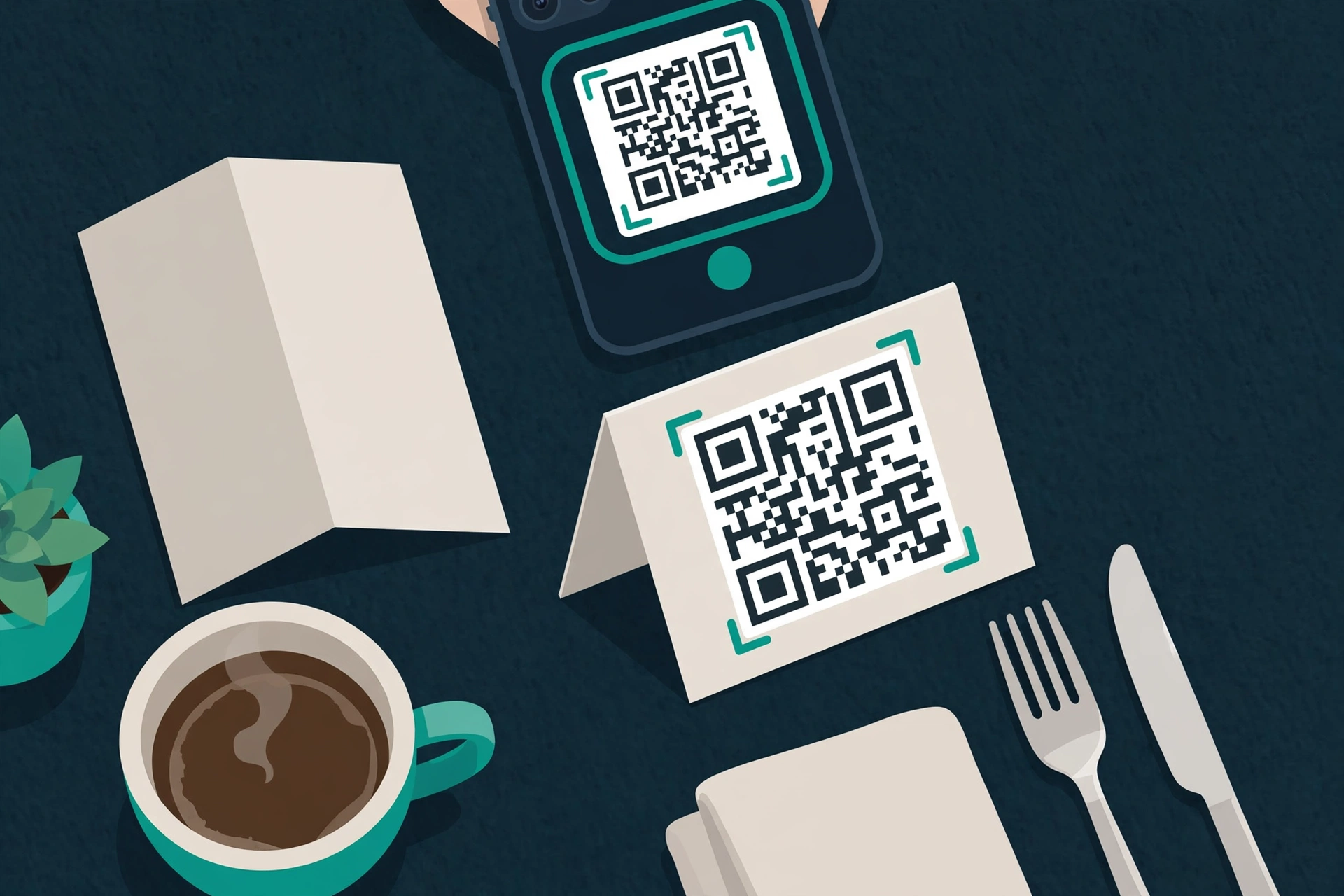
- It can carry a QR code. A short link made for a poster, a flyer, or a merch table can be printed as a QR code, which no one would ever do with a raw Spotify address.
Shortening does not change the music, the playlist, or the artist page. It changes only the address people use to reach it, and that change is enough to make sharing work properly.
Shorten a Spotify link with Urlzbit
Start by copying the right Spotify link. In the Spotify app, open the song, playlist, album, or artist page you want to share, tap the three dots, choose Share, then choose Copy link. On desktop or the web player, the same three-dot menu and Share option give you the copied link. Check that you copied the item you actually meant to share: a song link sends people to that song, a playlist link sends them to the whole playlist, and an artist link sends them to the artist page. Sharing the wrong one is the most common mistake, and no shortener can fix it afterwards.
Then create the short link:
- Paste the Spotify address into Urlzbit and create a managed link. The short link points at the Spotify address, so anyone who clicks it is sent on to Spotify.
- Give it a readable custom ending where it helps. A custom ending is free on Urlzbit, and an ending that names the song, the playlist, or the artist is easier to trust and easier to recognise in your own records than a random string.
- Give the link a descriptive title. Name it after the share, such as the new single, the summer playlist, or the artist page, so its click record is recognisable months later.
- Test the link before you share it. Open it yourself on a phone, confirm the right song, playlist, or artist page opens, and check that your test visit appears in the link's record. That single test proves the whole loop works.
On Urlzbit's free plan, you can save up to 100 links, with up to 10,000 clicks per calendar month, and every link also gets a QR code. That is plenty of room to give each song, playlist, and campaign its own link, which is the habit that makes tracking trustworthy. If you need a short Spotify link free for a single release, the free plan covers it. If you are shortening links for a whole catalogue, the paid plans raise the limits, with Pro at $9 for 30 days and no automatic renewal on any plan.
For the full step-by-step of creating, naming, and testing a managed link, see the guide to creating, sharing, and tracking a short link.
Share to Instagram and TikTok bios and stories
Bios and stories are where short Spotify links earn their keep, because they are the places where a long link hurts most. A bio allows only one link in most cases, and a story link competes with everything else on screen, so the link has to be short, readable, and clearly about the music.
- Use one short link per release or playlist in a bio. If the bio link points at the new single, do not also expect it to promote the whole catalogue. Rotate the bio link when the release changes, or point it at a playlist that collects the releases you want people to hear first.
- Use a readable custom ending in the bio. The ending is the only part of the link most people will actually read, so make it say what the link is: the song, the playlist, or the artist name.
- Use Spotify's own Share options for stories where they fit. Sharing directly from Spotify to a story can carry the cover art with it, which a plain pasted link cannot. A short link is still the better choice for a bio, a caption, or any place where you need tracking, because Spotify's direct share does not give you a click record for that placement.
- Keep the song, playlist, and artist links separate. A short Spotify link for a playlist and a short Spotify link for a single song are different shares with different jobs. Giving each its own link means each one gets its own click record, and you can see which one people actually used.
One honest caveat belongs here. When someone taps a link from inside Instagram or TikTok, the app may open it in its own in-app browser rather than switching straight to the Spotify app. That behaviour belongs to the social app, not to the shortener, and a short link does not override it. Test the tap yourself from the app your audience actually uses, so you know what they will see, and keep the song title and artist name in the caption as well, so the destination is clear even before anyone taps.
Track which shares get clicks
Tracking is the reason to use a managed short link instead of pasting the raw Spotify address everywhere. The raw address gives you no record at all. A managed link gives you a click record for that exact share, and the habit that makes it useful is the same one used everywhere else in link tracking: one link per placement.
- Create a separate link for each placement. The Instagram bio, the TikTok bio, a story, a post, and a printed poster should each get their own short link, even when they all point at the same Spotify page. Each link then has its own click record, and you can compare them fairly.
- Compare like with like, over identical periods. A bio link that has been live for a month and a story link that lived for a day cannot be compared directly. Give each placement the same window, then compare.
- Read clicks as visits, not as listeners. A click total counts recorded visits to the short link, not distinct people, and not completed listens. One person clicking three times looks the same as three people clicking once, and a click does not prove anyone stayed to hear the song. If you need to know what happened after the click, that answer lives on Spotify's side, not in the short link's record.
- Use the country and device breakdowns as a sanity check. A poster QR code should bring mostly phone visits. A bio link shared with an international audience should show a spread of countries. If the pattern does not match the placement, the mismatch is itself useful information.
The guide to what a URL shortener actually does explains the redirect behind all of this in plain words, and the pricing page sets out the free and paid limits in full.
FAQ
How do I shorten a Spotify link?
Copy the Spotify link from the three-dot Share menu for the song, playlist, album, or artist page, paste it into Urlzbit, create a managed link, and optionally give it a readable custom ending. Test the short link on a phone before sharing it, so you know it opens the right page.
Can I shorten a Spotify playlist link, not just a song?
Yes. The same steps work for songs, playlists, albums, artist pages, podcasts, and profiles, because each one has its own Spotify link. Just make sure you copied the playlist link itself, not a single song inside it, if the playlist is what you want people to hear.
Is there a free way to shorten a Spotify link?
Yes. Shortening a Spotify link free is covered by Urlzbit's free plan, which allows up to 100 saved links and up to 10,000 clicks per calendar month, with a custom ending and a QR code for each link. You only need a paid plan when you outgrow those limits or need paid features.
Does shortening a Spotify link change the song or playlist?
No. Shortening changes only the address people use to reach the page. The destination stays the same Spotify song, playlist, or artist page, and the short link simply sends visitors on to it.
Will a short Spotify link open in the Spotify app?
It depends on where the tap happens. A tap from a browser usually opens Spotify in the app or the web player as normal. A tap from inside Instagram or TikTok may open in that app's in-app browser instead. Test the tap from the app your audience uses, and keep the song title and artist name in the caption so the destination is clear either way.
Can Urlzbit track Spotify streams or listeners?
No. A short link records visits to the link itself, not streams, listeners, or distinct people. It can tell you which share got clicks, but not how long anyone listened. Streaming numbers live on Spotify's side.
Should I use one short link for every place I share a song?
No. Use one link per placement, even for the same song. The Instagram bio, the TikTok bio, a story, and a poster should each get their own link, so each one has its own click record and you can see which share actually worked.