Smart routing
How to Redirect a Link Based on Country with Urlzbit
Send visitors to relevant regional pages using one managed short link. Learn country rules, default destinations and how to test a route before sharing.
By Urlzbit · · 4 min read
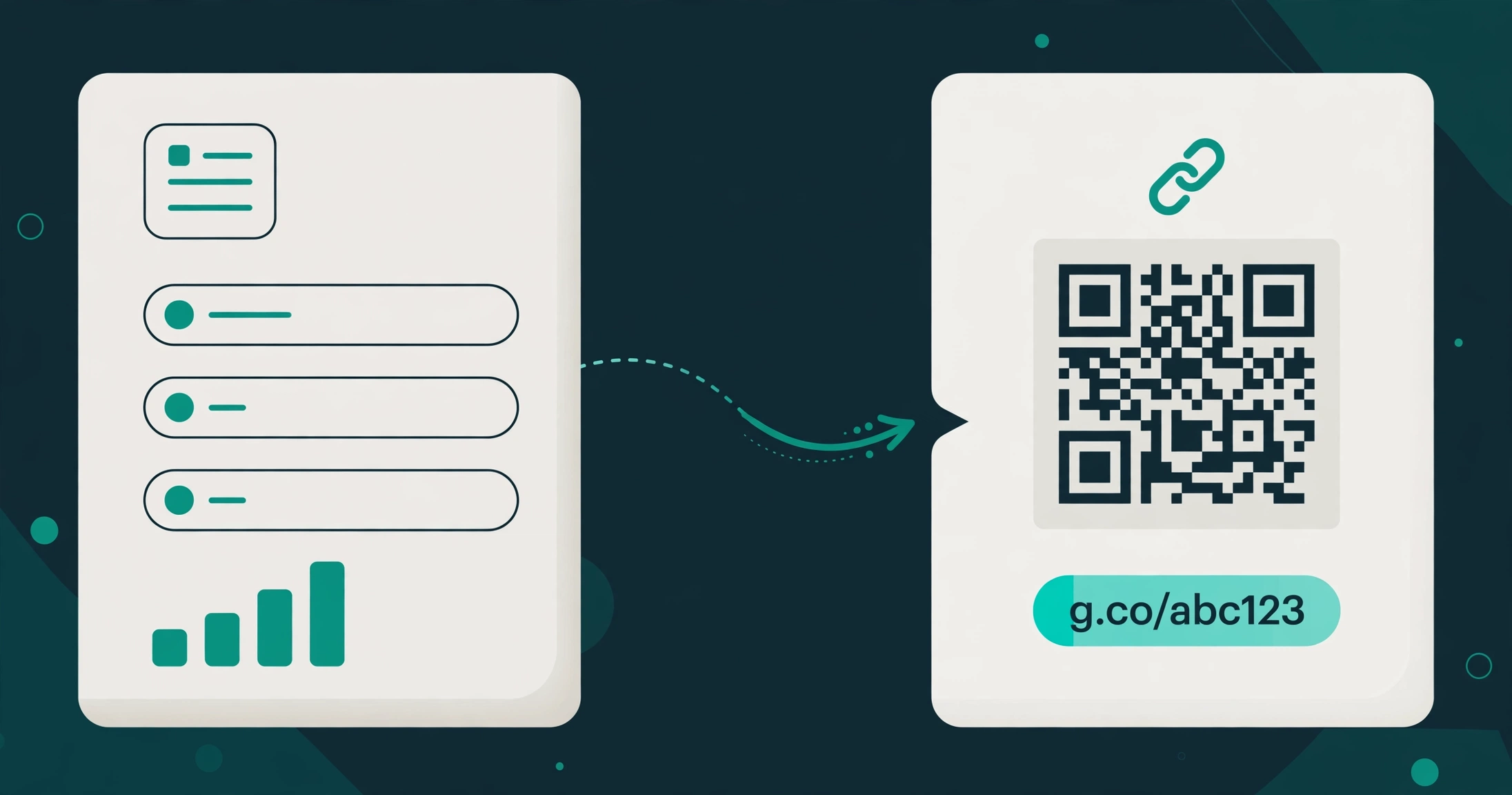
Updated October 21, 2026A country-based redirect sends visitors to different destination pages according to their detected country. The shared short address stays the same. For example, a campaign can lead visitors in Pakistan to a local offer, visitors in the United Kingdom to a UK page, and everyone else to a general information page.
In Urlzbit, you configure these rules on a managed link. Country targeting requires an eligible plan, the feature to be enabled by the administrator, and a working country lookup database. Check the current plans and features before planning a campaign around it.
Start with a useful default destination
Create a link with a destination that works for your entire audience. This could be an international product page or a country-selection page. Visitors whose country is unknown need a sensible next step too.
Write down your regional destinations before adding rules. An illustrative setup is:
- Pakistan: https://example.com/pk/offer
- United Kingdom: https://example.com/uk/offer
- Default: https://example.com/global/offer
These are examples, not working campaign pages. Replace them with pages you control and check that each one contains the relevant language, availability and information.
Add country rules in Urlzbit
Open My links, find the campaign link and choose Edit link. Expand Country targeting, choose Add rule, select a country and paste its complete destination URL. Repeat for each country you need, then save your changes.
You can set one destination rule for each country on the link. Keep the rules focused: adding destinations for countries where you have no meaningful local page creates extra maintenance without helping visitors. Developers can also manage these rules programmatically — the URLZBit API tutorial shows the documented geo-rules request format.
Country targeting works at country level. It does not identify a person's exact address, prove their citizenship, or guarantee which language they prefer. If language is your main requirement, consider the separate language-routing feature instead.
Test the decision before sharing
Open More options for the saved link and choose Test routing. Select a country and test the result. Try a country with a rule, a country without a rule, and an unknown-country selection.
The routing test does not count a click. It simulates the inputs you choose; it does not change your physical location or prove how an actual visitor's IP address will be classified. Passwords, availability dates and quotas are checked on actual visits, so test the complete journey separately before launching.
Administrator global country and traffic rules take precedence over personal country rules. On the individual link, country rules also take priority over device, language and weighted destination rules. If a test returns an unexpected destination, check which rule won before changing the country list.
Why might a visitor reach the wrong regional page?
Country detection uses network information and is approximate. A VPN, corporate connection or mobile provider can make a visitor appear to connect from another country. A missing lookup result uses the default destination unless another applicable rule takes over.
Check these possibilities in order:
- The country rule was saved on the correct link.
- The feature is still included in the link owner's effective plan.
- The administrator has country lookup enabled.
- A global rule or another routing rule selected the destination.
- The regional page itself redirects visitors again.
Offer a visible way to switch country on your destination pages. That gives visitors a recovery option when network-based detection does not match their needs.
Measure the campaign without overinterpreting the data
Review the link's Analytics page after sharing it. Country breakdowns help you see where recorded requests came from, but they do not establish a visitor's precise location. Automated preview requests can also appear in click totals.
Compare the pattern with results on your destination website, such as completed registrations or purchases. A country rule selects a route; it does not measure those outcomes by itself.
If you are new to the workspace, start with creating and tracking a short link, then add a small set of country rules you can maintain.