Guides
Free Link Tracking: What You Can Actually Measure Without Paying
Free link tracking sounds too good to be true, and in some marketing copy it is. The honest version is simpler: you can measure a lot without paying, as long as you understand what a click count actually is. A free plan will tell you how of
By Urlzbit · · 10 min read
Free link tracking sounds too good to be true, and in some marketing copy it is. The honest version is simpler: you can measure a lot without paying, as long as you understand what a click count actually is. A free plan will tell you how often a short link was used, when, and roughly where the visits came from. It will not tell you who clicked, or whether anyone bought anything afterwards.
This guide explains what free link tracking on Urlzbit includes, what it never includes, how to set it up so the numbers mean something, and when paying starts to make sense.
What free link tracking includes
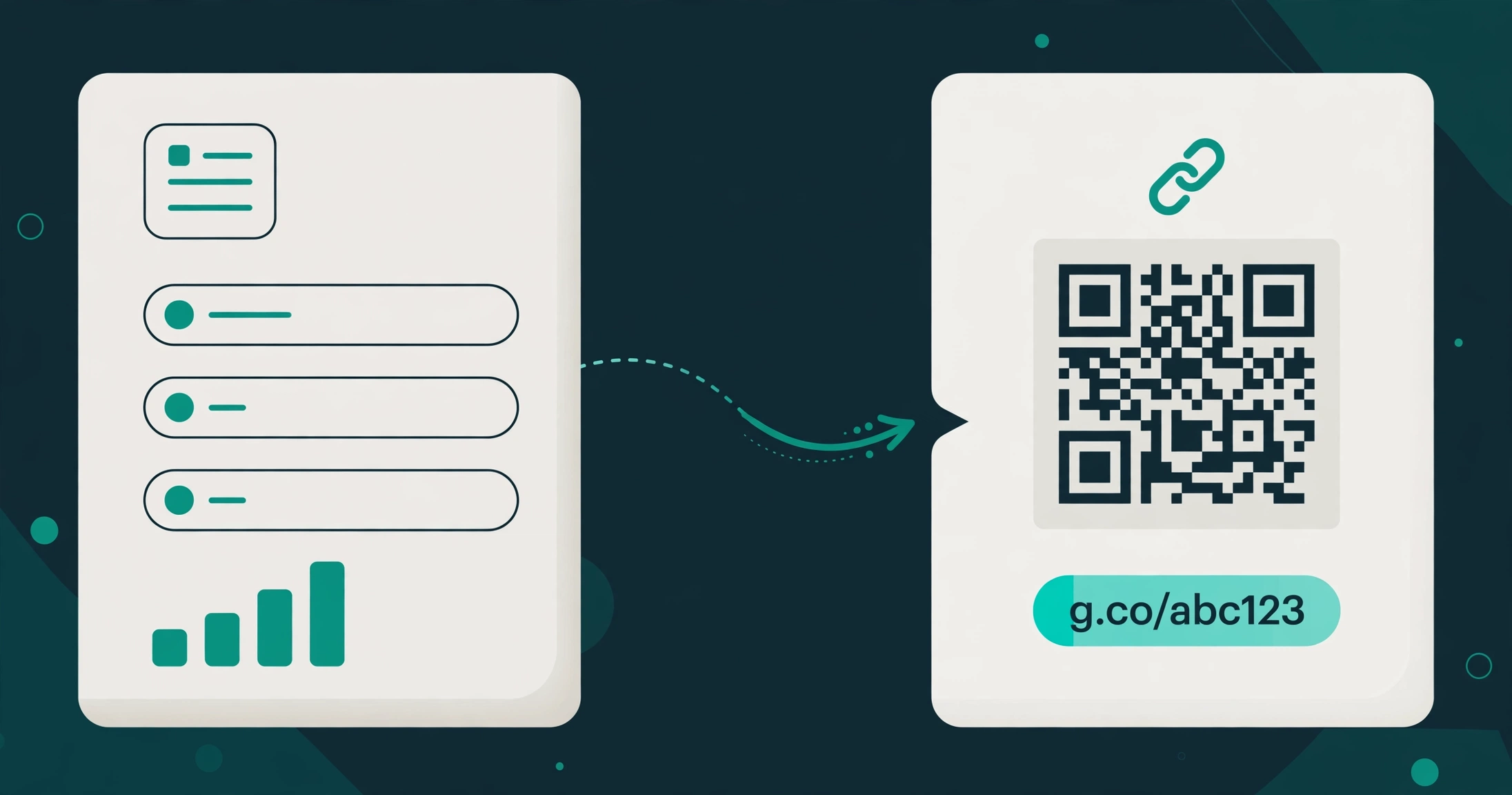
On Urlzbit's free plan, you can save up to 100 links, with up to 10,000 clicks per calendar month, and every managed link keeps its own click record. That record is the whole point of tracking. Instead of guessing whether a link in a post, an email, or a printed flyer did anything, you open the link and look at what was recorded.
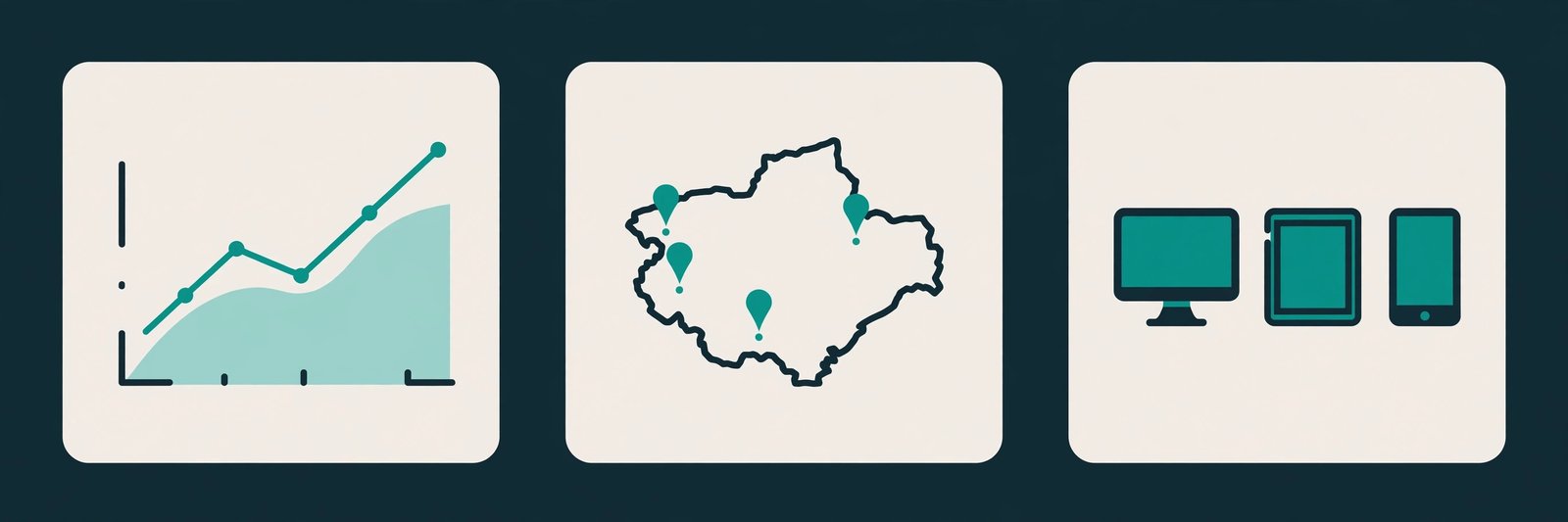
Urlzbit's features page describes the analytics view as exploring click trends, devices, referring websites, and approximate visitor countries. In practice, that gives you four useful readings for each link:
- A click total over time. How many recorded visits the link received, and whether they arrived steadily, in a spike, or in a slow fade. The shape of the trend matters more than any single day.
- An approximate country breakdown. Which countries the visits came from, approximately rather than precisely. Visitors using a VPN or an unusual network route can appear elsewhere, so read this as a pattern, not a map.
- A device breakdown. Whether visits arrived from phones, desktops, or other devices. For a printed QR code, mostly phone visits is what you would expect; mostly desktop visits is a clue the link has also travelled online.
- A referring website, where one exists. For a link clicked in a browser, this can show the site that sent the visit. For a QR scan, it is often blank, because a camera scan does not pass through a web page.
None of this requires a paid plan to get started. One hundred tracked links is enough room to give each placement its own link, which is the habit that makes all of the above readings trustworthy. Sharing one link across every placement gives you one combined total that explains nothing.
What free tracking never includes
The limits matter as much as the features, because most disappointment with free tracking comes from expecting a measurement the tool was never designed to give.
- It never counts unique people. One person clicking three times looks the same as three people clicking once. A click total is a count of recorded visits, not a headcount.
- It never identifies who clicked. There is no name, email address, or respondent identity attached to a click. If you need to know who responded, you need a form, a sign-up, or a purchase behind the link, not a click total.
- It never proves a result. A click is not a sale, a booking, or a completed form. Those outcomes live on your destination page, and you measure them there.
- It never explains why a link failed. Zero clicks could mean nobody saw the link, the offer was unappealing, the post was buried, or the printed item was never put up. Analytics show the silence. Finding the reason takes a look at the placement itself.
If a free tool ever promises you unique visitors, named clickers, or guaranteed conversions, treat that promise with suspicion. Urlzbit does not make those promises, and this guide will not make them on its behalf.
Setting up tracking on Urlzbit
Tracking on Urlzbit is not a separate feature you switch on. It follows automatically from creating a managed short link, because the link itself is what gets recorded. The setup work is really about organisation, and it takes a few minutes per link.
- Create one managed link per placement. If the same destination appears in a newsletter, a social post, and a printed flyer, create three separate links pointing to it. Each one then has its own click record, and you can compare them fairly.
- Give each link a descriptive title. Name it after the placement, such as the spring newsletter or the shop window poster, so the analytics record is recognisable months later.
- Choose a readable custom ending where it helps. A custom ending does not change the tracking, but it makes the link easier to trust and easier to recognise in your own records.
- Test the link before you share it. Open it yourself, confirm the destination opens correctly, and then check that your test visit appears in the link's record. That single test proves the whole loop works.
- Note the go-live date for each placement. Without it, a spike in the analytics is a mystery. With it, the spike is an explanation, and explanations are what turn tracking into decisions.
A common mistake is to create the link, share it everywhere, and only then wonder why the total cannot be split by channel. The split has to be built in at creation time, with separate links. After the fact, a combined total cannot be unmixed.
For campaign work in particular, there is one more layer worth knowing about. Adding UTM parameters to a destination lets your destination analytics sort visits by source, medium, and campaign, which is a different job from counting clicks on the short link itself. The guide to UTM parameters for short links explains that tagging workflow in detail, and it pairs well with the per-link tracking described here.
Reading the numbers honestly
The most useful skill in free link tracking is not reading a dashboard. It is refusing to over-read it. Three distinctions keep the numbers honest.
Clicks are not scans, and scans are not people. When someone scans a QR code made from a managed short link, their phone opens that link, and the visit appears in that link's click record. A scan is a click arriving by camera instead of by a tapped link. The guide to tracking QR code scans explains this in full, including why one link per printed placement matters so much. Either way, the record counts visits, not distinct humans.
Clicks are not sessions on your website. A destination analytics service measures activity after the visitor arrives and its tracking can run. Urlzbit records requests to the short link. Automated previews, repeated clicks, browser restrictions, and consent choices can all create differences between those two totals. If the numbers disagree, that does not automatically mean either one is broken. They are measuring different moments in the same journey.
Compare like with like, over identical periods. Comparing a poster that has been up for a month with a flyer handed out yesterday tells you nothing about which one works better. Give each placement the same window, then compare. And remember to allow for your own test visits when you report results for a new placement. Your own clicks are visits to the link like any other, so they appear in the record.
A practical way to read a new link is in layers. First, look at the trend over time and ask whether anything changed on the days that spiked or fell silent. Then look at the country and device breakdowns and ask whether they match what you would expect from that placement. Then look at the referring website, where one exists, and ask whether the traffic arrived from the channel you intended. If all three layers agree, you have a believable story. If they disagree, the disagreement is itself useful information.
When to upgrade
Free tracking stops being enough at a fairly clear point, and it is better to recognise that point than to stretch a free plan past what it was built for.
- You regularly approach 10,000 clicks per calendar month. That is the free plan's monthly ceiling. If your totals climb towards it every month, you are no longer a casual user, and the paid plans remove that ceiling.
- You need more than 100 saved links. A growing campaign, many placements, or many clients will outgrow 100 links quickly. Keeping links you no longer need just to stay under the limit is a false economy.
- You need routing or testing. Pro, at $9 for 30 days, adds country, device, and language routing, plus weighted A/B destinations, so different visitors can be sent to different pages and the results compared. Free tracking tells you what happened. Routing and A/B testing let you change what happens next.
- You need bulk workflows or an API. Pro also adds bulk link creation and a Developer API, which matter once you are creating links in batches rather than one at a time.
None of those upgrades change the honesty rules in this guide. A paid plan gives you more links, more clicks, and more control. It still does not count unique people, identify clickers, or prove a sale. What it buys is scale and control, not a different kind of truth.
Urlzbit's paid plans also carry no automatic renewal, which is worth knowing before you decide. You choose 30-day access or, with Lifetime Pro, a one-time payment, and you renew deliberately rather than by default. The full plan details are on the pricing page.
FAQ
Do I need to pay to track clicks on Urlzbit?
No. On the free plan, every managed link keeps a click record, up to 100 saved links and 10,000 clicks per calendar month. You only need to pay when you outgrow those limits or need paid features such as routing, A/B destinations, bulk creation, or API access.
Can free tracking tell me how many different people clicked?
No. A click total counts recorded visits, not distinct people. One person clicking three times and three people clicking once produce the same total. If you need a headcount, measure it at the destination with a form, a sign-up, or a purchase.
Do QR code scans show up in free link tracking?
Yes. A QR code made from a managed short link opens that link when scanned, so the scan appears in the link's click record. To track a printed placement separately, give it its own managed link and QR code, so its record belongs to that placement alone.
Why do my Urlzbit clicks differ from my website analytics?
They measure different moments. Urlzbit records requests to the short link. Your website analytics measure activity after the visitor arrives and its tracking can run. Previews, repeated clicks, browser restrictions, and consent choices can all create differences. Treat the two totals as complementary, not as rivals.
What happens when I approach the free plan's limits?
Approaching 100 saved links or 10,000 clicks in a calendar month is the clearest sign to upgrade. Pro, at $9 for 30 days, removes the click ceiling, raises the link limit to 5,000, and adds routing, A/B destinations, bulk creation, and API access. Clean up dead links first, so you are paying for a real need rather than for clutter.
Is free tracking enough for a small campaign?
For most small campaigns, yes. A handful of placements, each with its own link, a test click to prove the loop works, and a regular look at the trend, country, and device breakdowns will tell you which placements earned their effort. When the campaign grows past the free limits, or when you need routing and testing, upgrade deliberately, and keep reading the numbers with the same honesty.